
Document capture software for accounting firmsClient paperwork read and checked before it reaches the ledger
Invoices, credit notes, receipts and statements arrive as paper, PDFs and e-mail attachments. DocView Capture reads them, checks VAT numbers, IBANs and totals, and sends clean data to your accounting system.
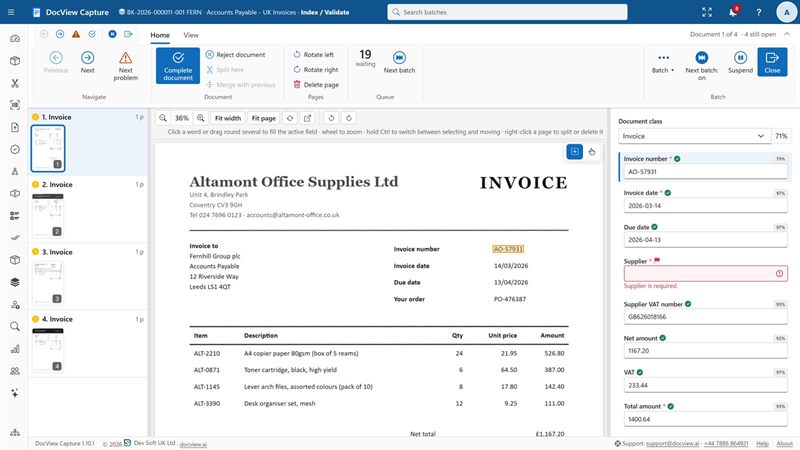
Keying is the slowest part of every deadline
A practice or finance team collects shoeboxes of receipts, supplier invoices from dozens of suppliers and bank statements from every client. Each figure is typed by hand, and each typing mistake is found late, when a VAT return or a year-end is already close.
Many layouts, one job
Every supplier prints an invoice differently, so fixed templates break. Totals, tax and line items sit in a different place each time.
Duplicates and typos
The same invoice arrives by post and by e-mail. A wrong digit in an IBAN or VAT number only shows when a payment fails.
Many clients, one team
Work for different clients must stay apart, with the right people seeing the right files.
The paper an accounting team really handles
Ready-made setups cover supplier invoices for the UK, Europe and the USA, credit notes, purchase orders, receipts and expenses, US tax forms and bank statements. For anything else, set up a Batch Setup for your own document types and fields.
Checks that catch errors while the paper is in front of you
- VAT number, IBAN and other check-digit validation on the values it reads
- Totals cross-checks, and row checks such as Qty x Price = Amount on line items
- Duplicate invoice detection across the batch
- Fuzzy supplier matching against your own master data, so a misread name still finds the right supplier
- Low-confidence values flagged, with the place on the page highlighted
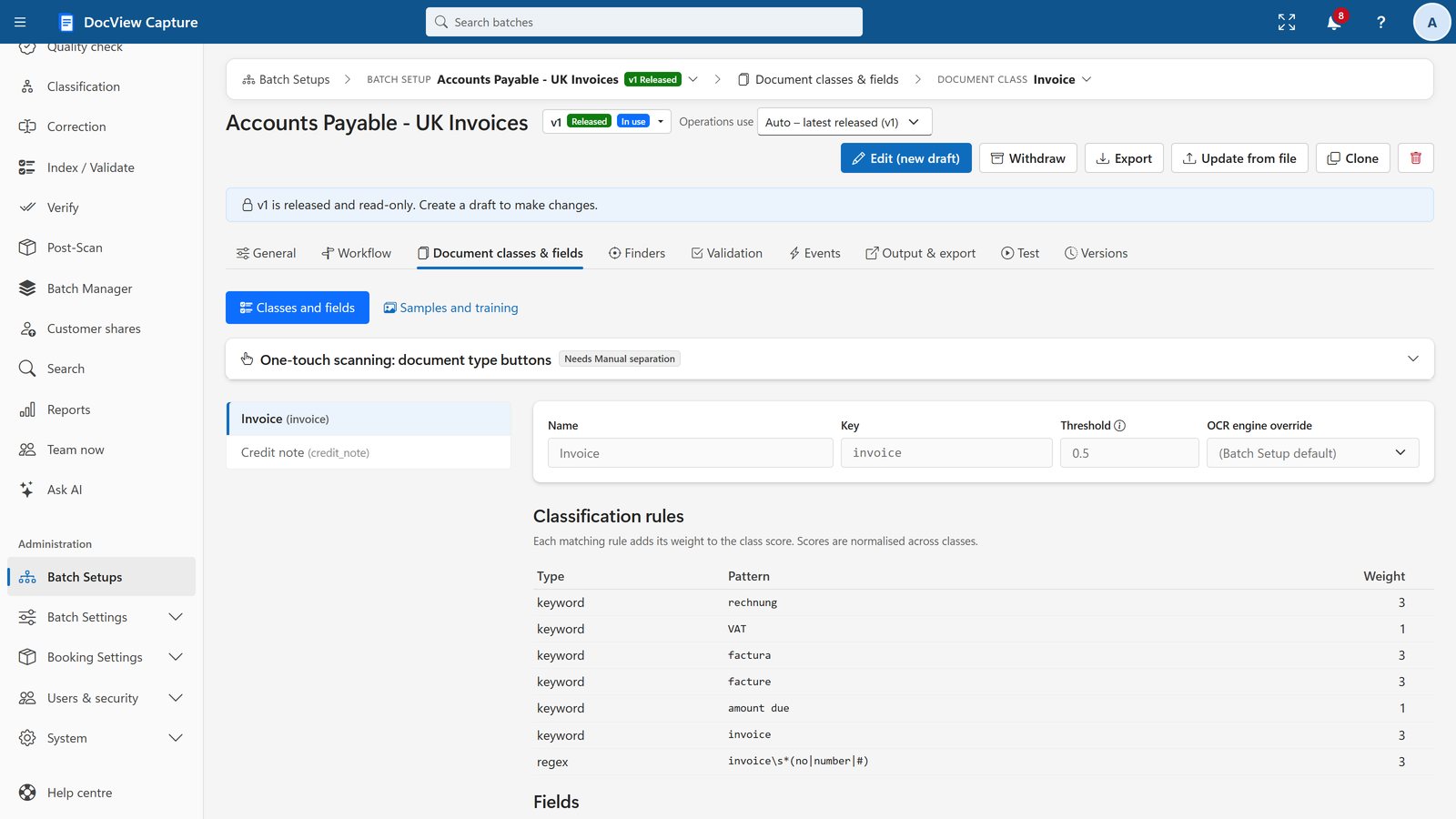
Deliver to the system you already use
Exports include searchable PDF, XML, CSV and JSON, and ready-made destinations for Xero, QuickBooks Online, Microsoft Dynamics 365 Business Central and SAP. You can send to several destinations at once, and a failed one is retried alone.
Documents also arrive by themselves from watched folders, e-mail mailboxes, Microsoft 365 and SFTP, so client uploads need no re-scanning.
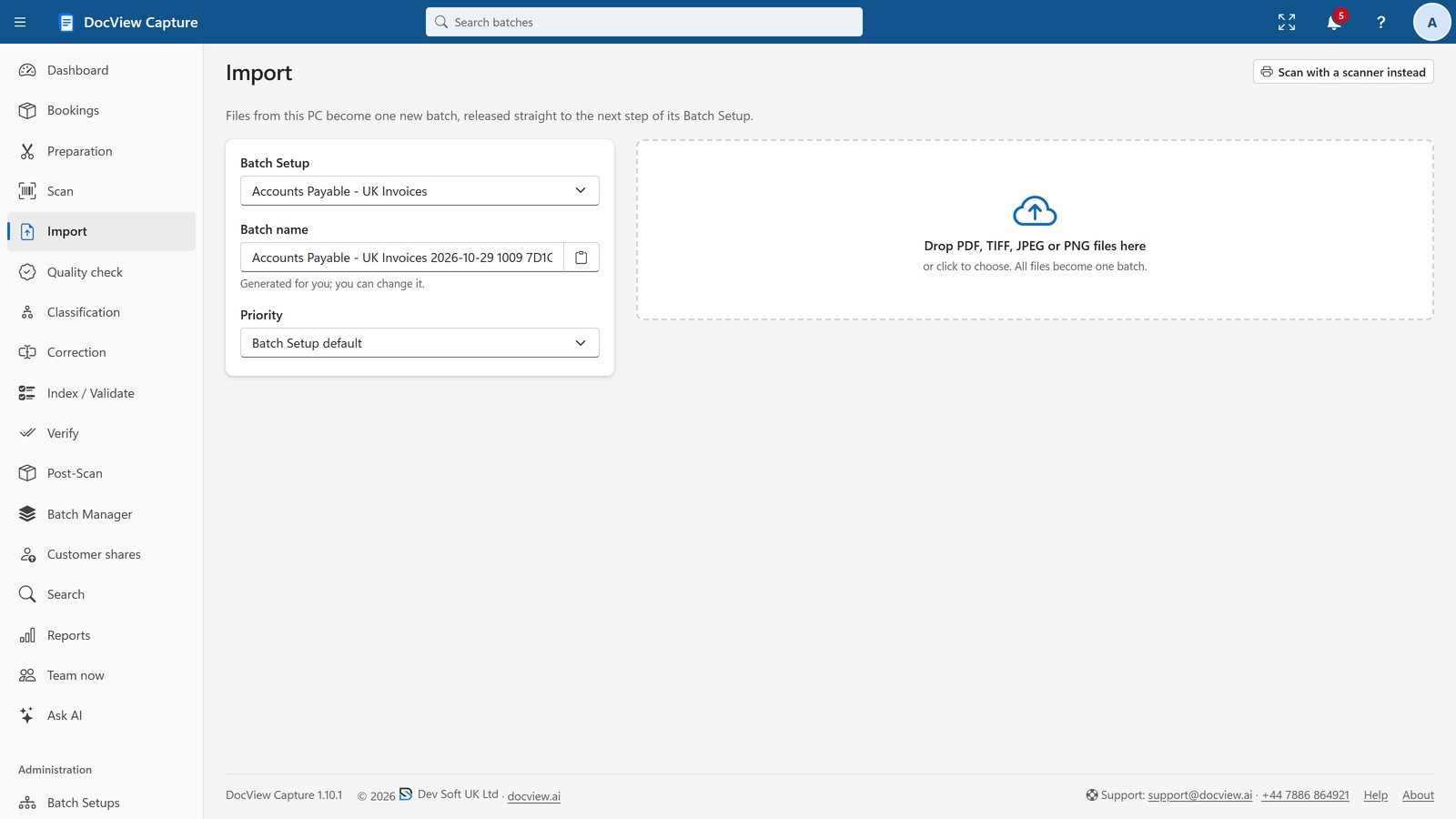
Keep every client's work apart and every change on record
One organisation per client
One installation can hold many organisations or departments, each with its own users, setups, batches, reports and audit log. Another organisation's batch cannot be opened, even by its address.
A clear audit trail
Every action and every field change is recorded with the old value, new value, user and time. Reviewers can use double-key verification on chosen fields.
Accounting solutions we build with DocView
Dev Soft UK designs and builds each of these for you with DocView Capture, configured to your own process.
Accounting questions
Can DocView read invoices from suppliers it has never seen?
Yes. Label and value finders look for each value by its label and its shape (date, amount, reference), so they do not depend on a fixed position. You can test them on your own samples before you go live.
Does it read line items?
Yes. Table finders read line items over several pages, and rules can check that quantity times price equals the amount and that lines add up to the total.
Can it send data to Xero or QuickBooks?
There are ready-made destinations for Xero and QuickBooks Online, set up with your own accounts and with a Test button. DocView also exports XML, CSV and JSON for any other system.
Can we keep each client's documents separate?
Yes. Organisations each have their own users, setups and batches, and the separation is enforced in the data layer.
See your own invoices read and checked
Start a free 14-day demo in your own workspace, or talk to us about the 30-day installed evaluation. No credit card for the demo.