
Document capture software for government and the public sectorTurn citizen paperwork into records you can trust, on your own network
Applications, correspondence and supporting evidence arrive by post, counter and e-mail. DocView Capture can run entirely on your own servers, with role-based access, four-eyes checks and a full audit trail.
High volumes, strict handling, little room for error
A council, agency or department handles forms, letters, evidence and requests for information across many services. Each item must reach the right team, be traceable, and be kept or disposed of according to your own rules. When work is split between offices, nobody can say quickly where a case file stands.
Mixed incoming post
Letters, forms and attachments in one tray, to be sorted by service before anyone can act.
Proof and evidence
Proof of address, identity and supporting letters that must be read correctly and checked by a second person.
Response deadlines
Requests for personal data that carry a legal response date and must not be lost in a pile.
From the front counter to the back office
Ready-made setups exist for utility bills, often used as proof of address, for the mailroom (classifying incoming post for routing), and for data subject access requests with response deadlines. Application forms, licences and permits can be set up as your own Batch Setup.
Sorted, read and routed to the right service
- Classification rules and a trained classifier decide what each document is, and uncertain ones go to a person for review
- Batch split sends each type of document to its own team, destination and priority
- Finders read dates, references and addresses, and operators check low-confidence values next to the page
- Searchable PDF or PDF/A output, with every word on every page searchable afterwards
On your own servers, with clear permissions and a full audit trail
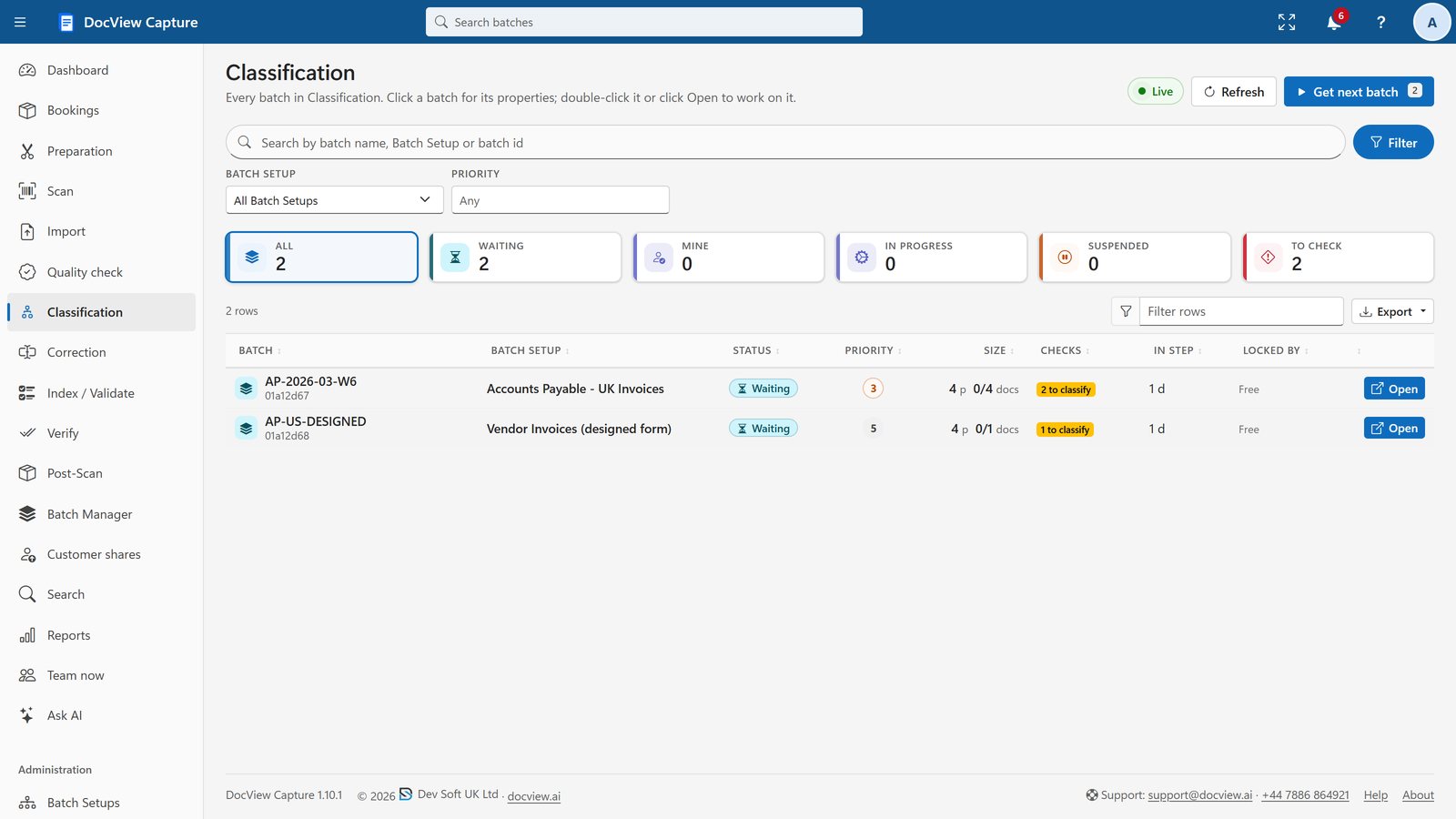
Install on Windows Server with IIS and SQL Server, in Docker, or in your own Azure, AWS or Google Cloud account in the region you choose. Day-to-day work does not need an internet connection when recognition runs on-premises. Dev Soft UK can also host it for you if you prefer.
Access you control
Role-based permissions per module and Batch Setup, Windows or Active Directory sign-in, single sign-on, and IP allow and deny rules.
Four-eyes rules
A step can require a different person from the one who worked on the batch earlier. Double-key verification re-keys chosen fields blind.
Retention and audit
Every field change is recorded. Retention days, post-export image deletion and archived batch deletion are all configurable.
DocView Capture is designed to help you meet your obligations. We do not claim any public sector framework listing.
Public sector questions
Can it run without sending documents to the cloud?
Yes. Recognition runs on your own hardware by default, and cloud OCR and AI providers stay switched off until an administrator enables one with the organisation's own key. Pages leave your premises only for providers you turn on.
Can different departments use one installation?
Yes. Each organisation or department has its own users, roles, setups, batches, reports and audit log, and one organisation cannot open another's batch.
How do staff sign in?
With DocView passwords, Windows or Active Directory (optionally automatic on the network, with AD groups mapped to roles), or single sign-on with Microsoft, Google, Apple or any OpenID Connect provider.
Does DocView support our retention policy?
You can set retention days per client or setup, choose how long images are kept after export, and use a due-date view with daily alerts. Retention rules are yours to define.
Talk to us about a deployment on your own servers
Ask about the 30-day installed evaluation, or try the 14-day online demo first. No installation and no credit card for the demo.