
Insurance claims document capture softwareOne claim, one batch: forms, estimates and reports read together
A claim is never a single document. DocView Capture keeps the claim form, repair estimate, invoice and police report together, reads the handwriting and tick boxes, and checks the data before the handler opens the file.
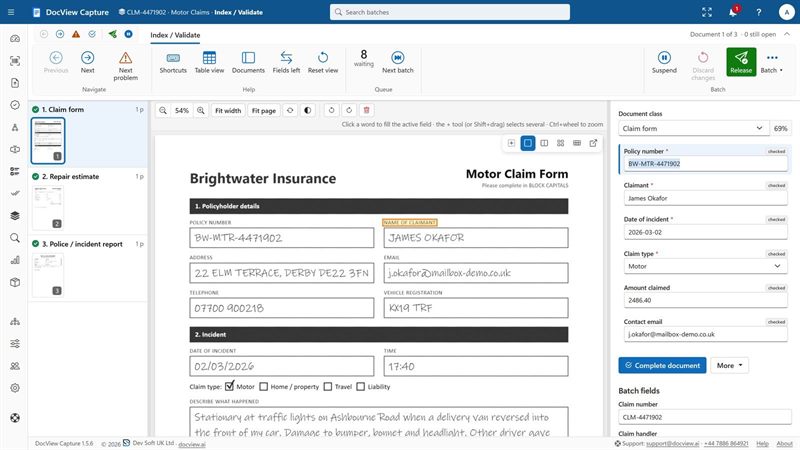
Claims arrive incomplete, handwritten and out of order
Policyholders fill in forms by hand and tick boxes loosely. Estimates and invoices come from garages and loss adjusters in dozens of layouts. Handlers spend time checking what has arrived, retyping policy and claim numbers, and writing to ask for what is missing, while the customer waits.
An insurance claims setup, ready to run
The insurance claims setup handles the claim forms, repair estimates, invoices and police reports of one claim in a single batch. Other lines, such as policy schedules or renewal notices, can be added as your own Batch Setup.
Handwriting, tick boxes and signatures on the claim form
DocView reads handwriting in zones and hand printing in boxes. In a group of tick boxes it picks the clearest tick. Several equal ticks, faint marks and empty groups go to an operator with a low confidence flag. Signature boxes report whether the form was signed.
How handwriting is read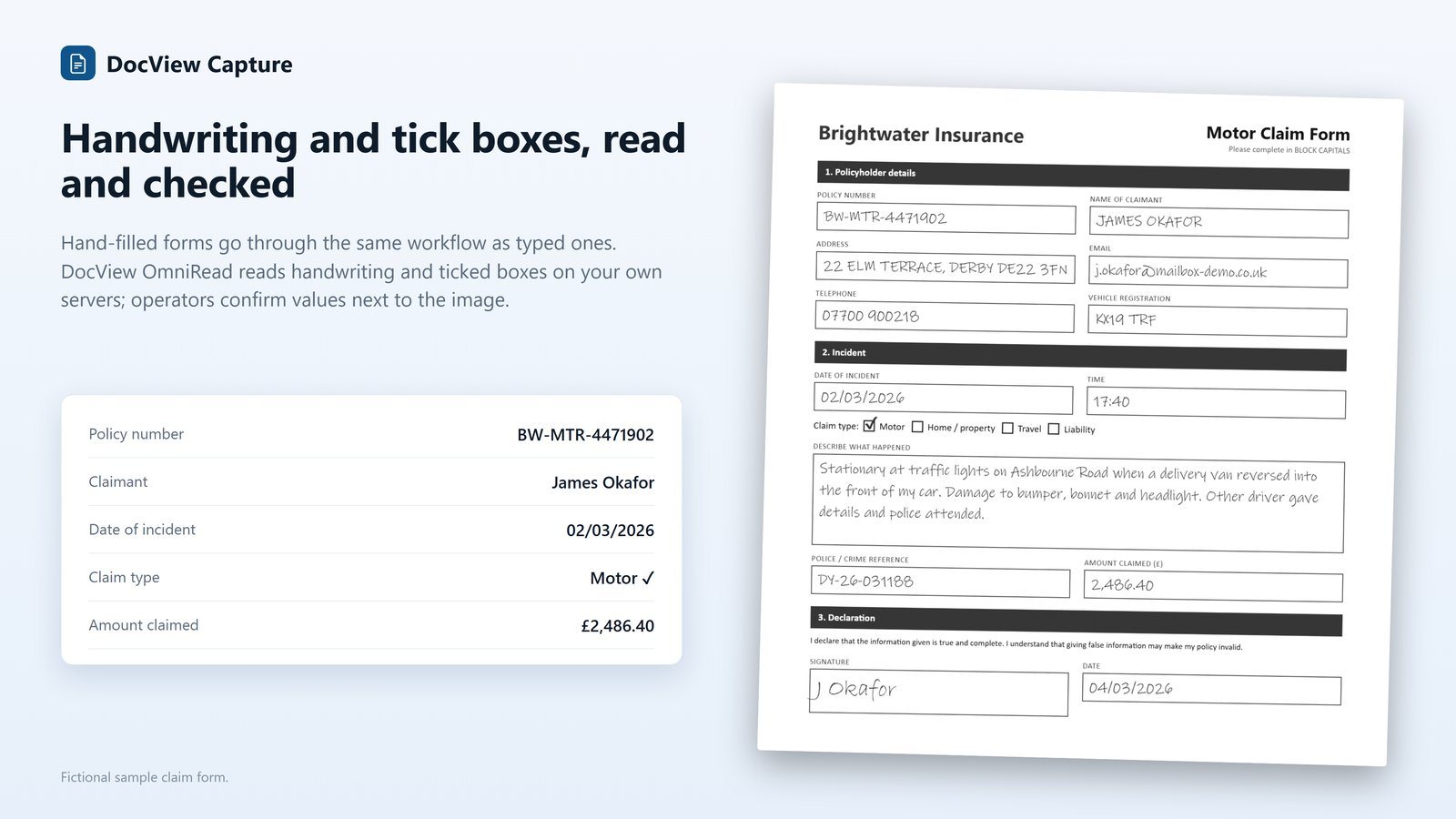
Find the policy, send the claim to the right desk
- Database lookup (fuzzy) matches the document to your policy or customer data despite OCR errors
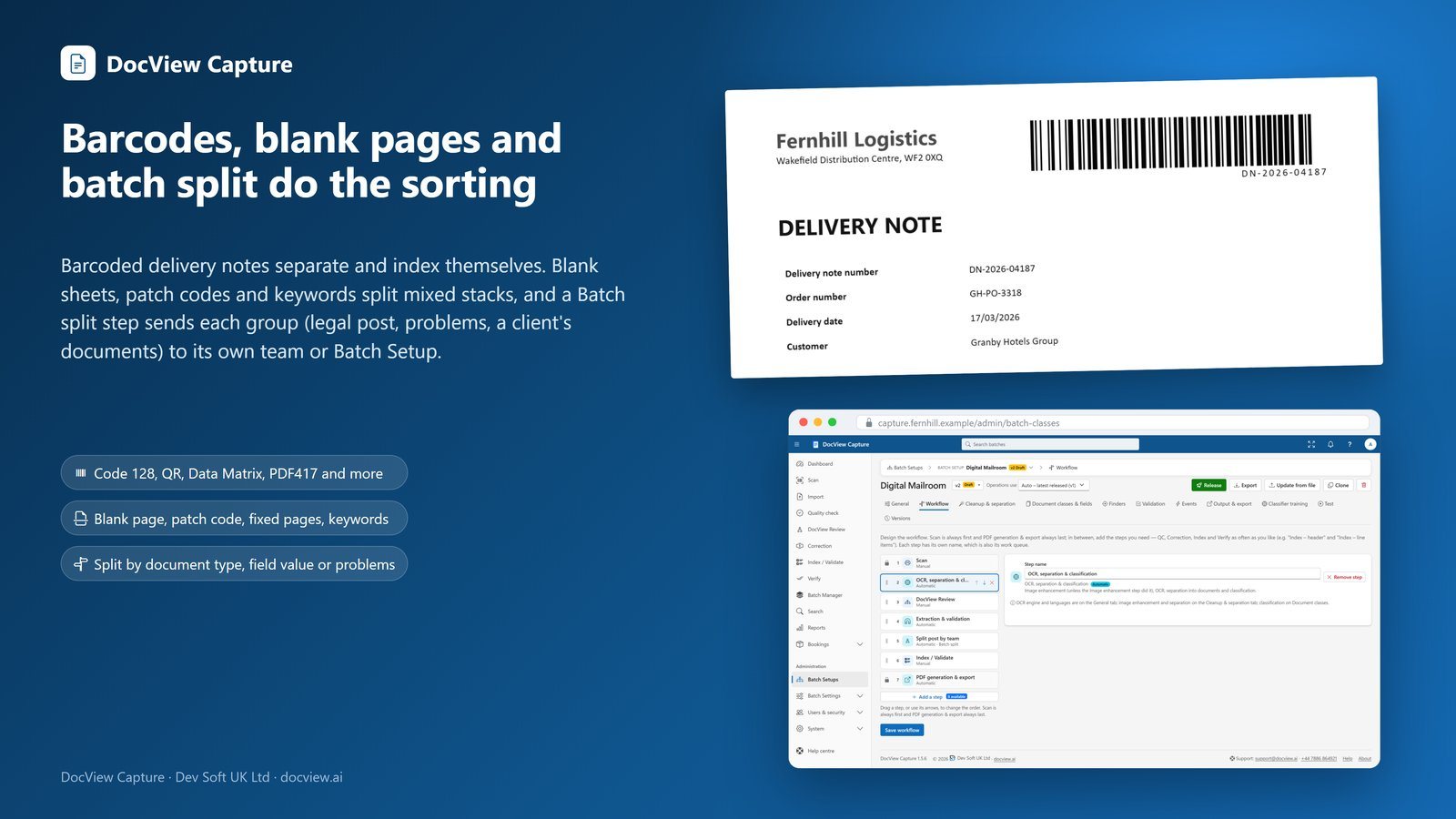
- Batch split sends clean claims one way and documents with problems another
- A routing script can send a batch to an approval step when a value is above your limit
- Invoices and estimates get totals and VAT checks, as in invoice capture
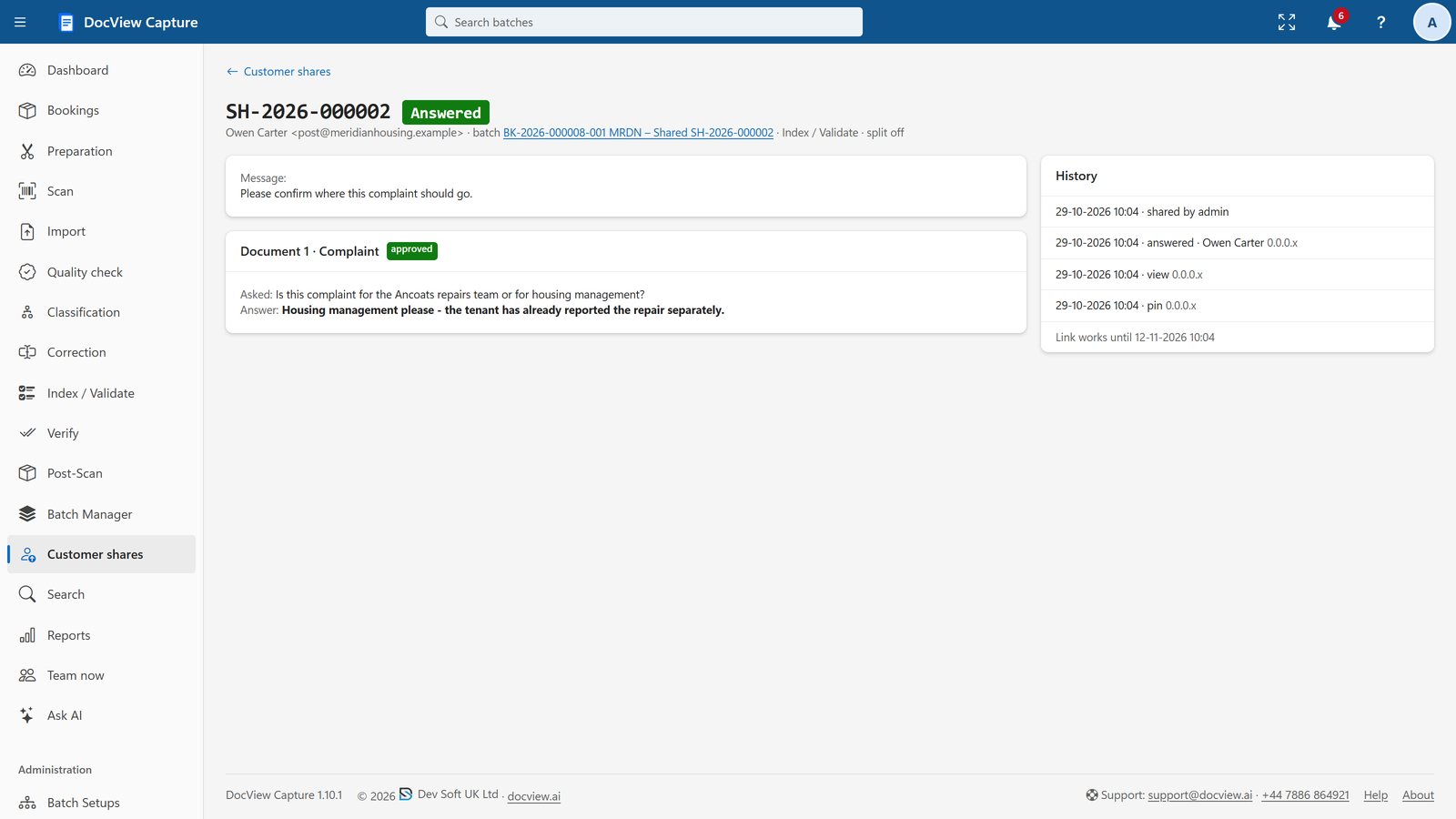
Request a missing page without a phone call
An operator can share chosen documents with a secure link and a PIN. The claimant answers questions, fills in fields, approves or uploads replacement pages, with no account to create. The rest of the batch carries on, and the answer returns the shared documents to the same step. Sharing is off by default and switched on per workflow step.
Every change is kept in the audit trail, and a second person can verify chosen values.
Insurance questions
Does the claims setup keep all documents of one claim together?
Yes. It handles claim forms, repair estimates, invoices and police reports together in one claim batch.
Can DocView read a form filled in by hand?
Yes, it reads hand printing in boxes and handwriting in zones, tick boxes and signature boxes. Values it is not sure about are shown to an operator next to the page.
Can we run it in our own environment?
Yes. Run it on your own servers or in your own cloud account, or have Dev Soft UK host it. Recognition runs on your hardware by default.
How are claims passed to our claims system?
By export to XML, CSV or JSON, a SQL insert, SFTP, a REST service or webhook, or a C# export script, with a retry for any destination that fails.
Run a few real claim packs through the demo
Start the free 14-day demo, or ask for a 30-day installed evaluation on your own servers.