
Digital mailroom softwareIncoming post sorted and routed the day it arrives
Scan the morning's post once. DocView Capture works out what each item is, reads the sender, reference and date, and sends it to the team that needs to act.
A tray of envelopes is a queue nobody can see
Post is opened, read and handed from desk to desk. An invoice waits behind a complaint, a change of address sits in someone's tray, and a legal letter with a deadline looks like any other envelope. Nobody can say how much is waiting or how old it is.
Six kinds of post, recognised on arrival
The ready-made mailroom setup classifies incoming post and reads the sender, reference and date for routing. Add your own categories for the post your business really gets.
Invoices
Pass to accounts payable, or on to full invoice capture.
Orders
Send to sales order entry with the reference already read.
Complaints
Reach customer service with the date received on record.
Changes of address
Go to the team that updates customer records.
Legal letters
Flag at once for the people who handle them.
Other
Go to a person for review rather than being guessed.
Unsure items go to a person, not to the wrong team
Each document type has a confidence threshold. Anything below it goes to classification review, where an operator confirms the type. Rules combine keywords, patterns, barcode values, page size and a classifier trained on your own samples, and the first match decides.
Document classification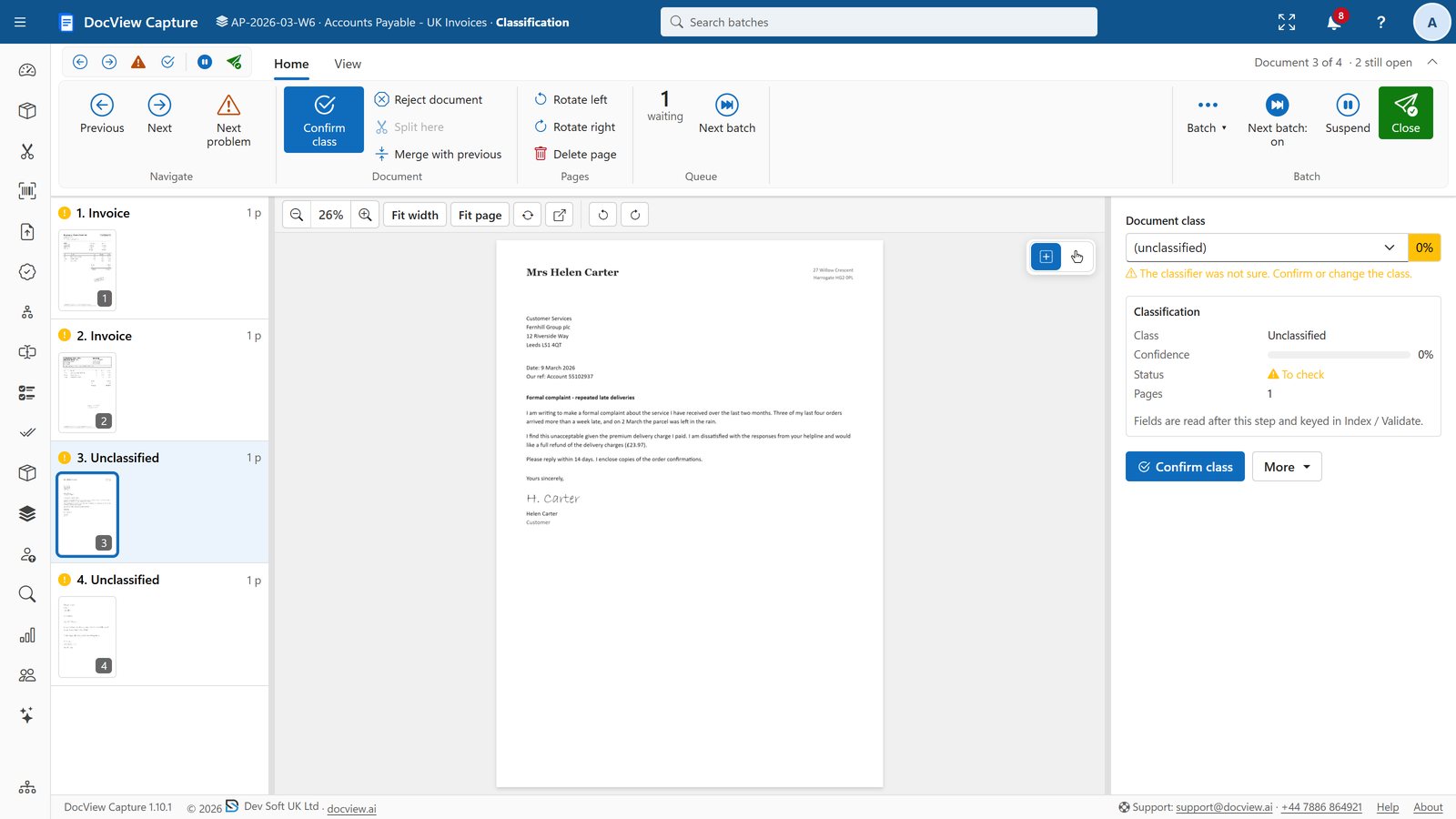
Batch split sends each type to its own team
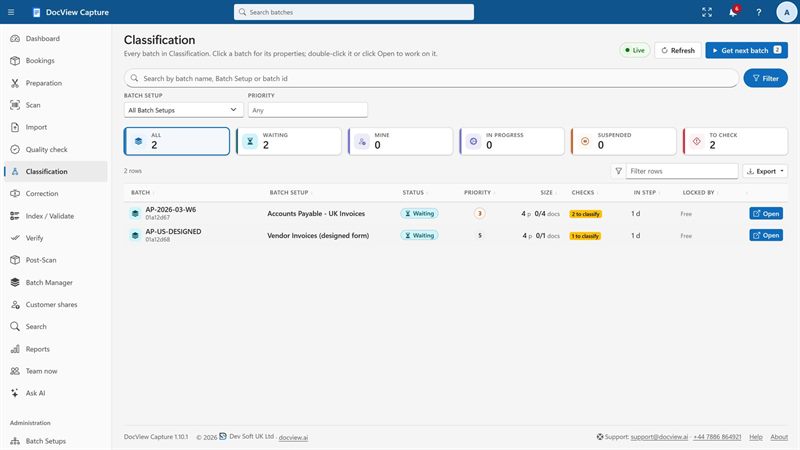
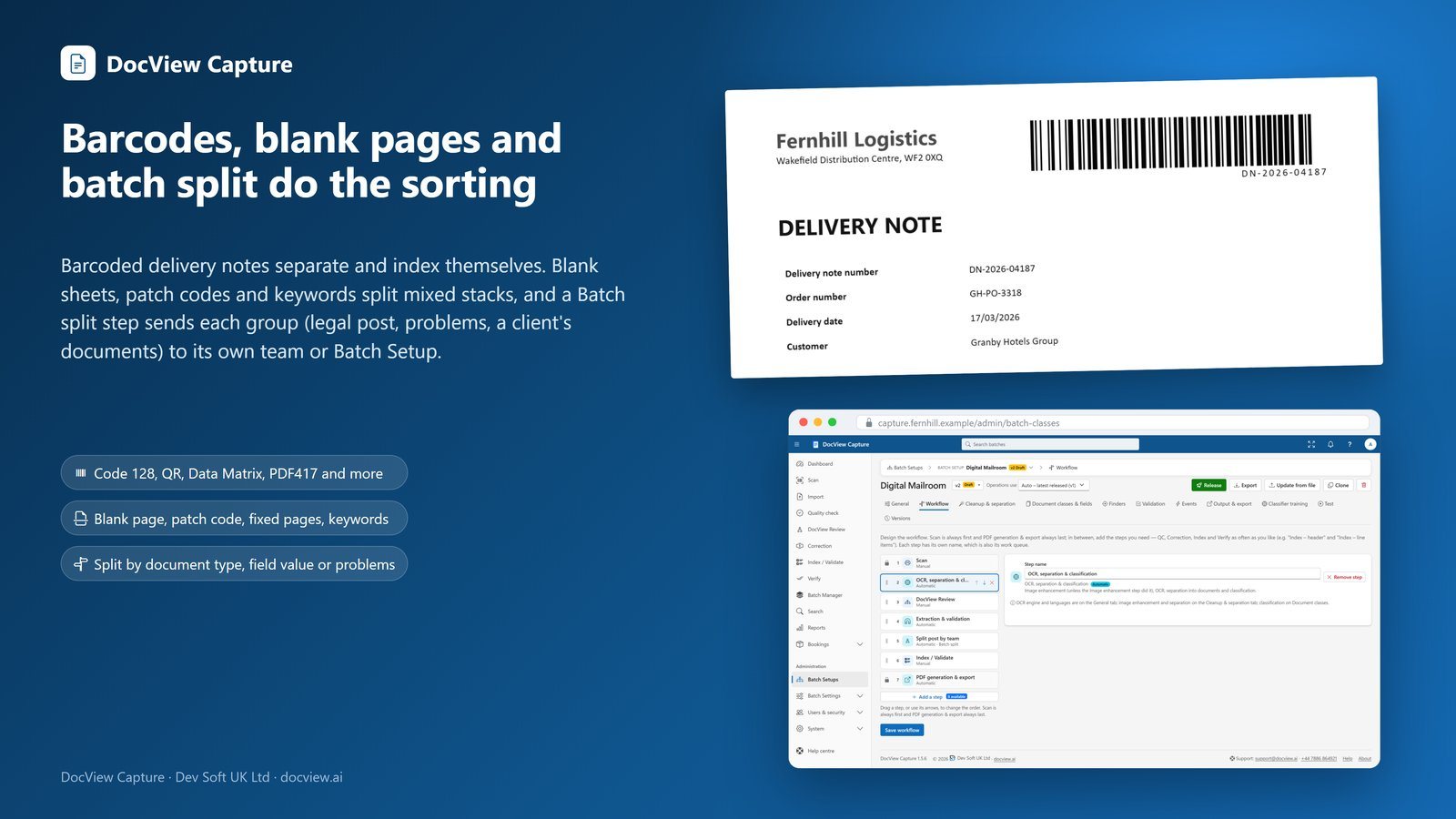
Batch split sorts a batch into groups by document type, field value or problem. Each group becomes a linked batch with its own destination, step, priority and name, in the same Batch Setup or another.
Mail that arrives as e-mail attachments, from IMAP, POP3 or Microsoft 365 mailboxes, goes through the same workflow as scanned post.
Built for the scanning table
One-touch scanning
A button, or a key such as F1, for each document type. Press, key a reference from the paper in hand, and feed the document.
See the queue
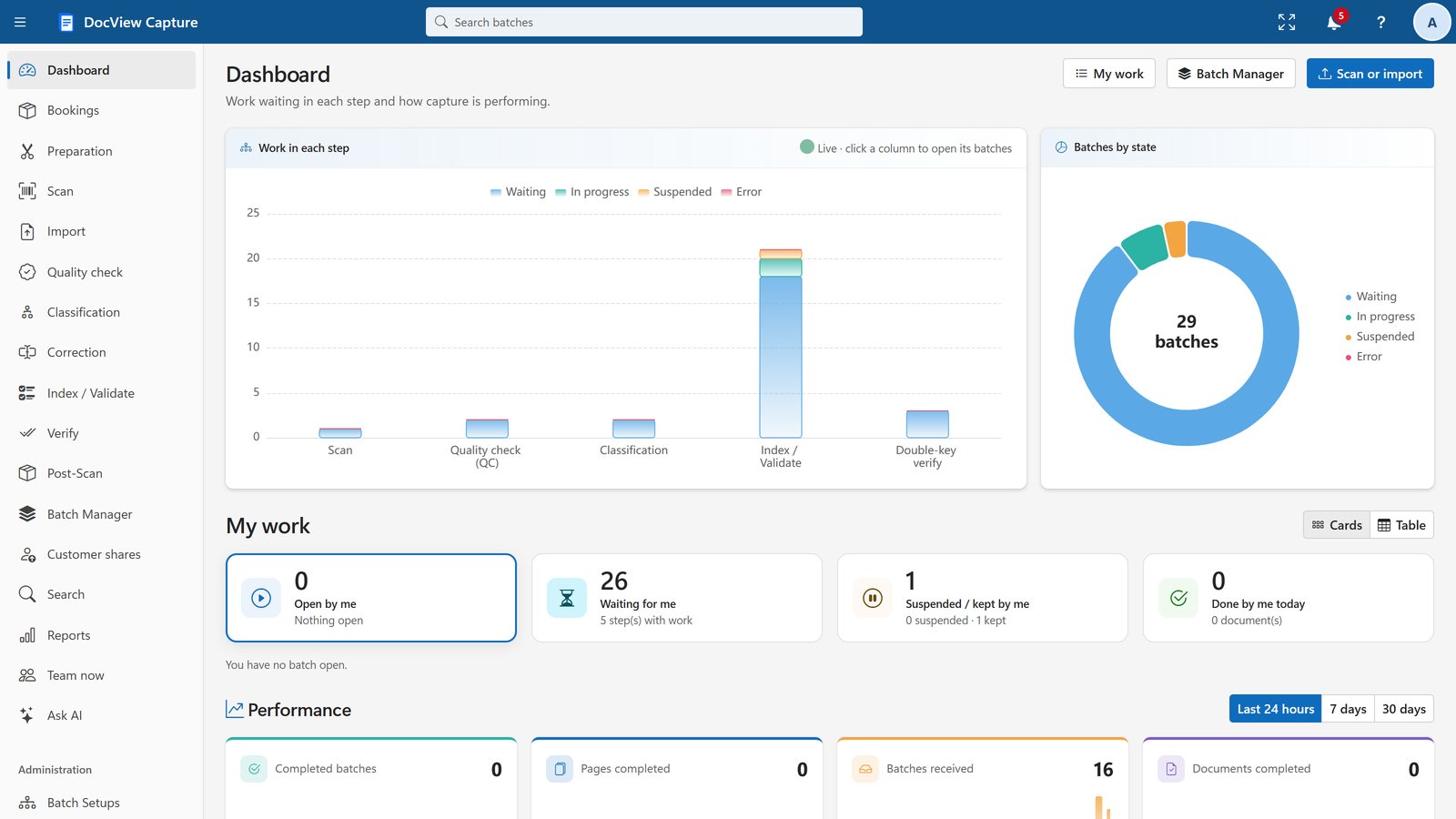
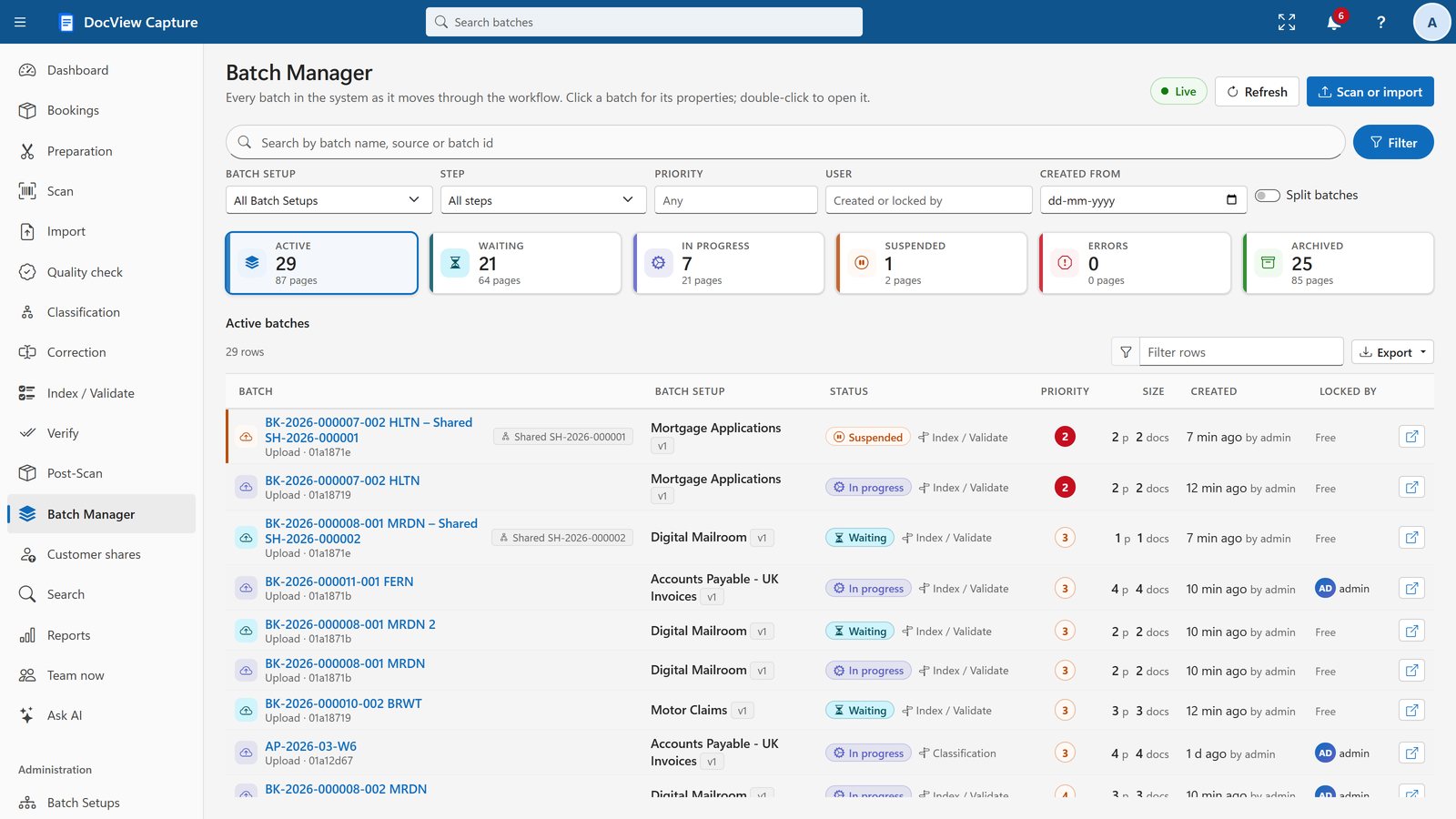
The dashboard shows work waiting in each step and batches by state. Batch Manager lets a supervisor change priority or reroute.
Digital mailroom questions
What kinds of post does the mailroom setup recognise?
Invoices, orders, complaints, changes of address, legal letters and other. It also reads the sender, reference and date so the item can be routed.
Can different kinds of post go to different teams?
Yes. Batch split creates a linked batch per group, each with its own destination, step and priority.
Can we run a mailroom for several departments or customers?
Yes. Organisations or departments each have their own users, setups, batches and reports, and people can belong to several with different roles.
Where is the scanned mail delivered?
To a folder, SFTP, SQL database, REST service or webhook, e-mail, SharePoint and other cloud drives, document management systems or business systems. You can use several destinations per Batch Setup.
Stop reading the post twice
Try the free 14-day demo with sample post, or talk to us about your own categories and teams.