
Invoice capture and OCRSupplier invoices, read and checked before they reach your finance system
Templates for the UK, Europe and the USA read invoice numbers, dates, suppliers, VAT numbers, amounts and line items. Your team only sees what needs a person.
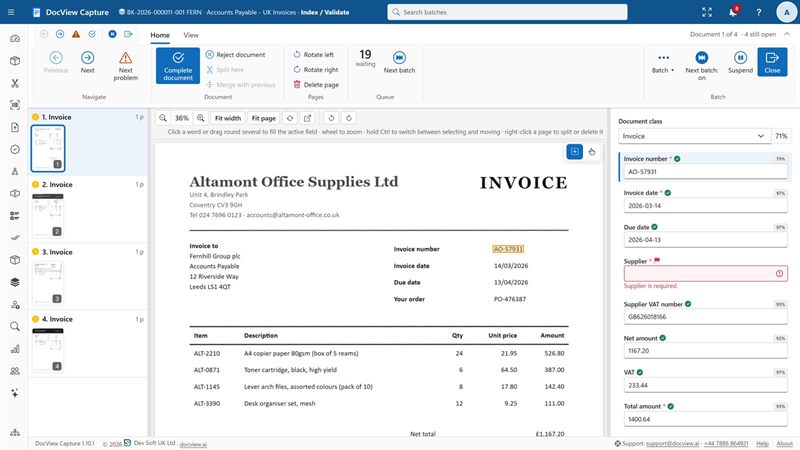
What DocView checks on every invoice
Reading a value is only half the job. Each invoice is checked against your rules and your own data.
Totals and line items
Row checks such as Qty x Price = Amount, and sum checks against the invoice total, on tables that run over several pages.
VAT numbers and IBANs
Check digits for UK VAT numbers and IBANs, so a misread or mistyped value is caught before export.
Duplicate invoices
Duplicate invoice detection flags an invoice that has already been through.
Supplier matching
Fuzzy matching against your supplier master data finds the right record despite OCR errors, and every column of the match can fill a field.
Routing
Routing scripts can send a batch to another step when needed, for example for approval of large invoices.
People where it counts
Second-person verification and four-eyes rules, with a full audit trail of every field change.
Start with invoices, not a blank page
Ready-made templates cover the documents an accounts payable team handles.
- Supplier invoices (basic)
- UK invoices
- US invoices
- European invoices
- Credit notes
- Purchase orders
- Receipts and expenses
- US tax forms
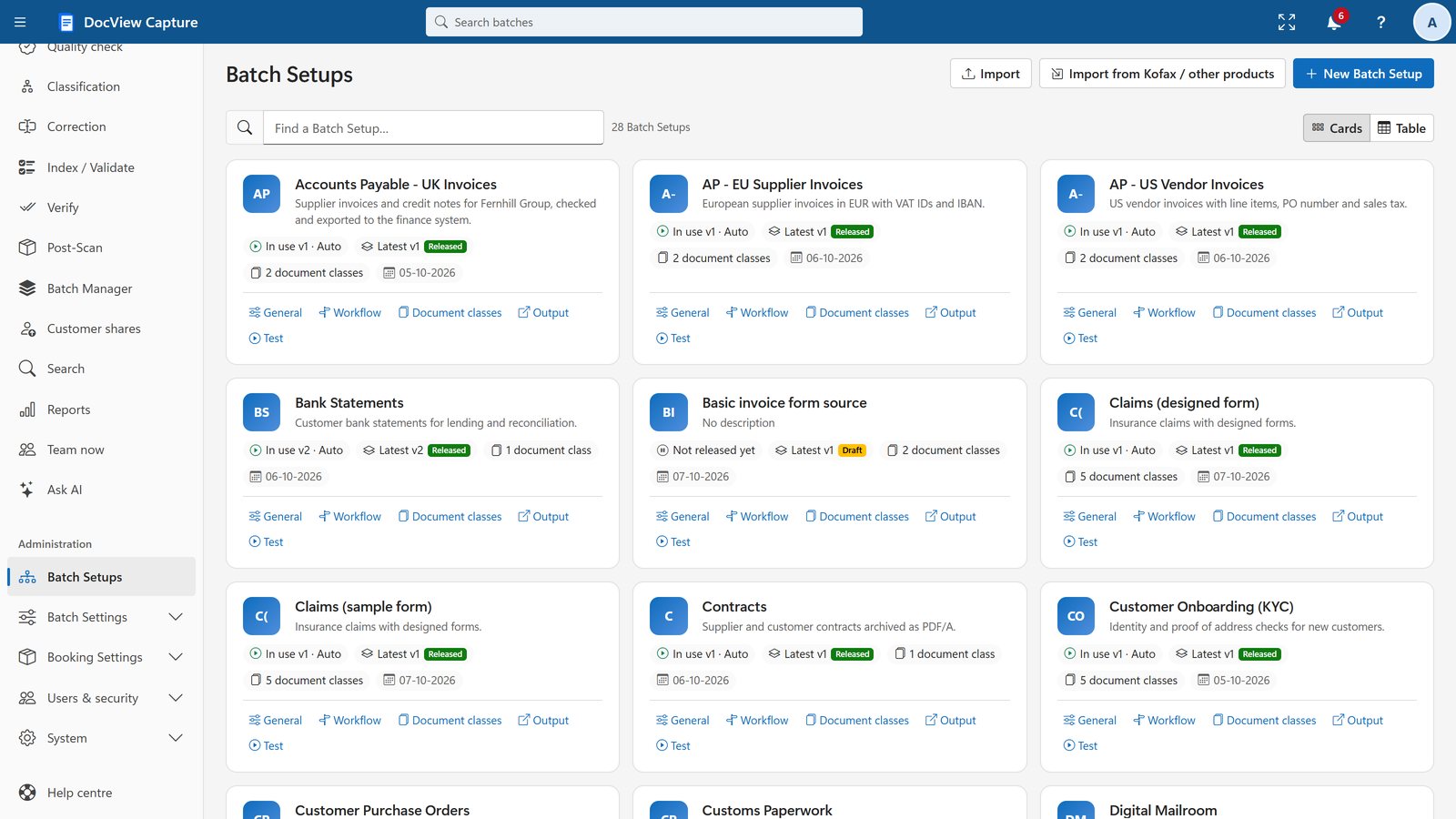
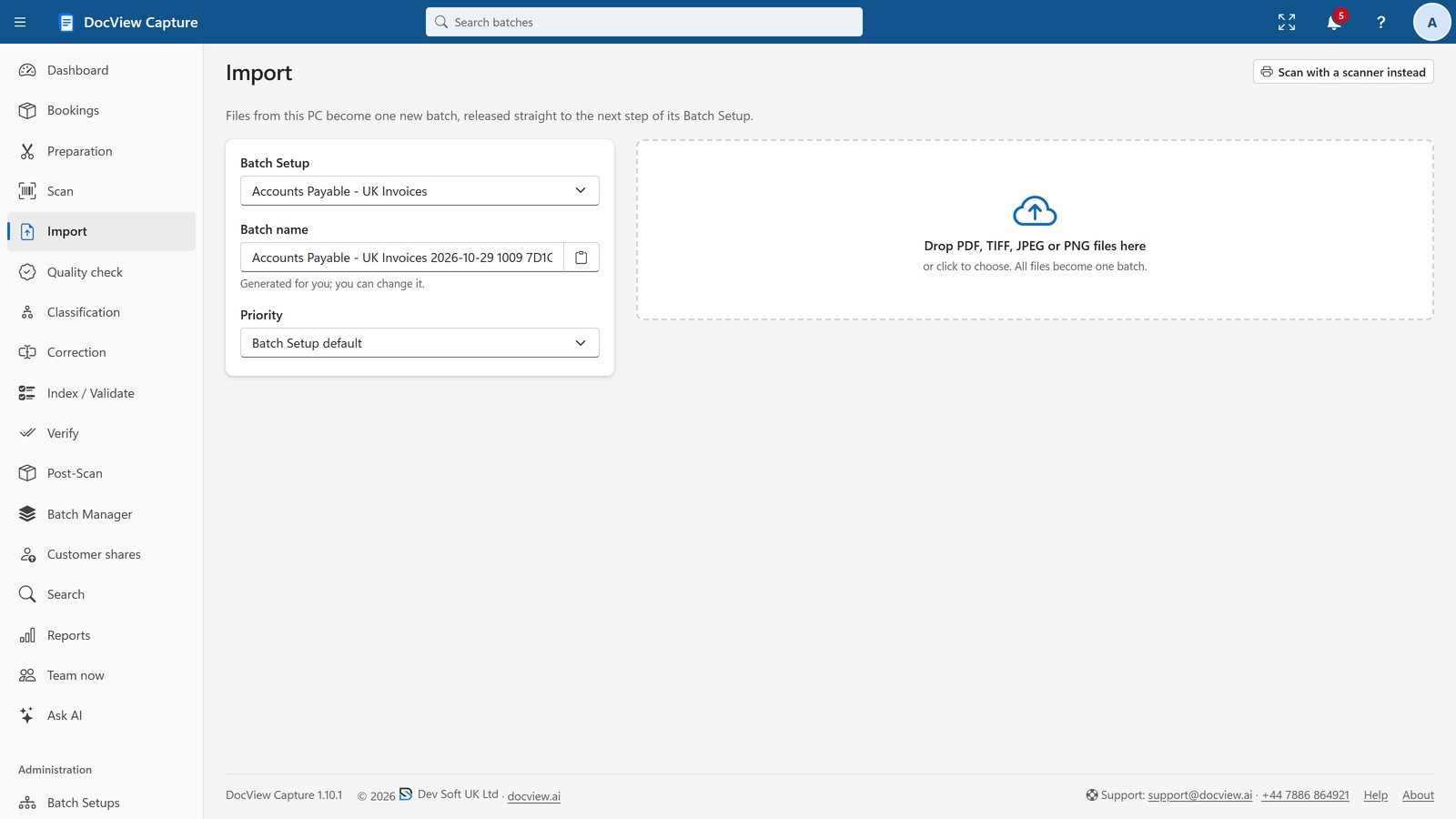
From the scanner, a shared mailbox or a watched folder
Scan paper invoices into the browser, or collect them automatically from a shared mailbox, including Microsoft 365, or from watched folders, SFTP, SharePoint and cloud storage.
On the way out, send searchable PDFs and XML, CSV or JSON data to your systems. Ready-made destinations include SAP, Microsoft Dynamics 365 Business Central, Xero and QuickBooks Online, configured with your own accounts.
Invoice capture questions
Does it capture invoice line items?
Yes. Table finders read line items over several pages, with columns found by headers, printed lines or a manual layout, and row and sum checks on the results.
Does it work with UK VAT invoices?
Yes. The UK invoice template reads VAT numbers and amounts, and UK VAT numbers are validated with their check digits.
Do invoices have to go to the cloud?
No. Recognition runs on your own servers by default. Cloud AI services such as Azure AI Document Intelligence are optional, off by default, and use your own keys.
Try invoice capture free for 14 days
Your own workspace with sample Batch Setups and documents. No installation, no credit card.