
Document capture for the automotive industryDealer, workshop and supplier paperwork, turned into data
Parts invoices, purchase orders, delivery notes and job cards pile up at every site. Define the fields you need and DocView Capture reads them, checks them and delivers them to your systems.
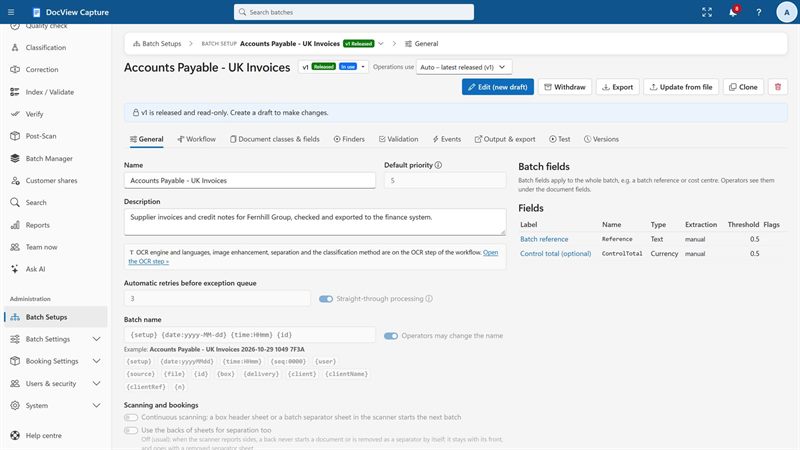
Every supplier and every site has its own paper
A dealer group or workshop receives parts invoices from several suppliers, delivery notes with every consignment, purchase orders from the parts desk and signed job cards from the service bay. Much of it is filed in the branch where it landed, and finding one document later means asking around.
Keying the same numbers into the dealer system, the accounts package and a spreadsheet costs time at the branch and delays supplier payment.
One stack, many document types
Branches scan a mixed stack. DocView separates it into documents, works out what each one is and reads the fields you defined for that type.
Parts, service and supplier documents
Ready-made setups exist for supplier invoices, purchase orders and delivery notes. For job cards, vehicle registration documents, finance agreements and warranty claims, set up a Batch Setup with your own document types and fields.
Fields you define, read the way the paper is printed
Pattern finders for IDs
Use a pattern finder for vehicle identification numbers, registration plates and part numbers, with tolerance for look-alike characters such as O and 0. Test the pattern on your own samples.
Barcodes on delivery notes
Read several barcodes per page and use them to separate consignments or to fill fields such as an order number.
Tick boxes and handwriting
Read tick boxes on inspection and check sheets, and handwriting in zones. Unclear marks go to an operator with a low confidence flag.
Find a document by any value
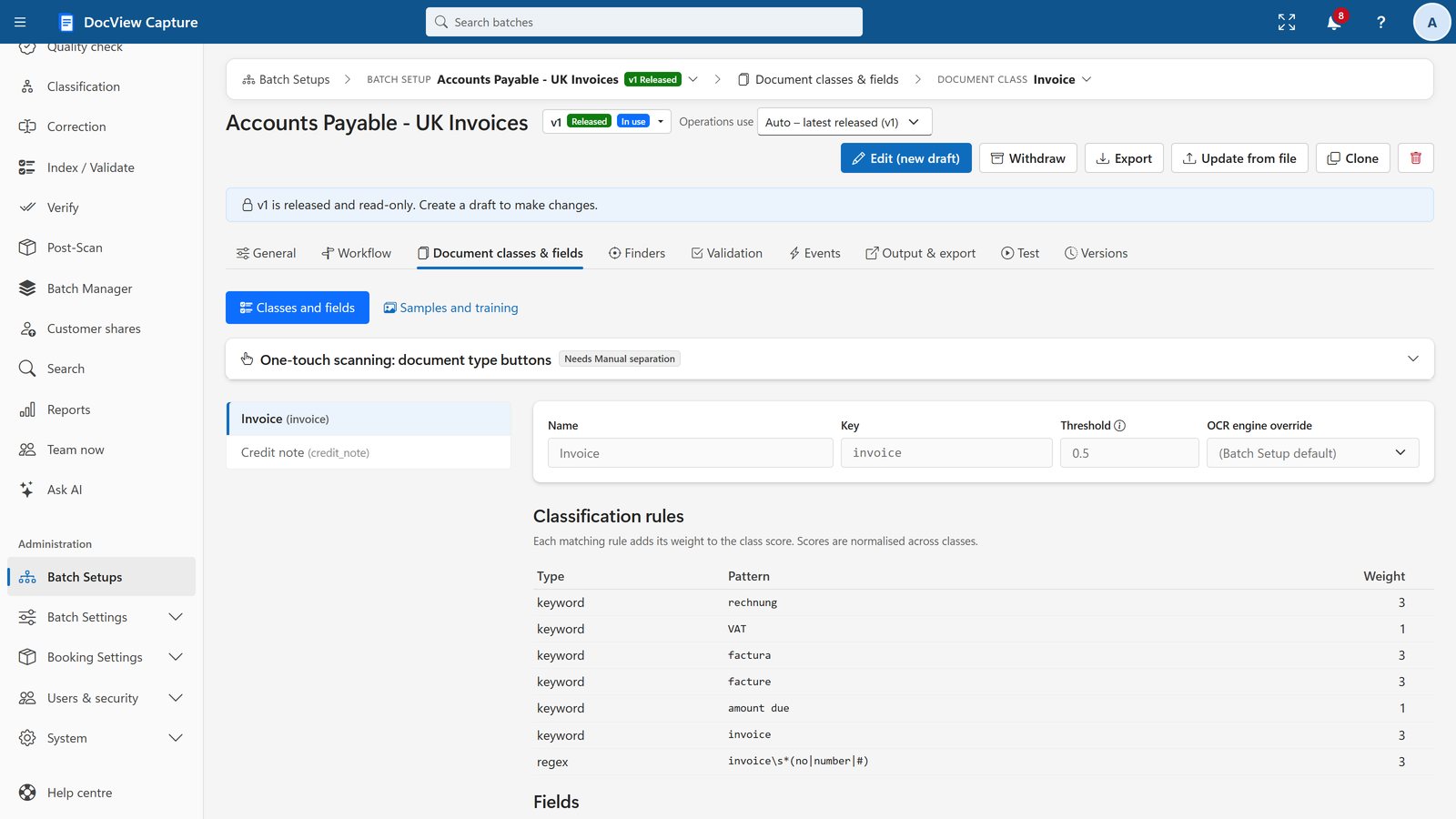
Search over document types, field values and page text, so a service history or a parts invoice is found in seconds without knowing which branch filed it.
Give each branch its own space
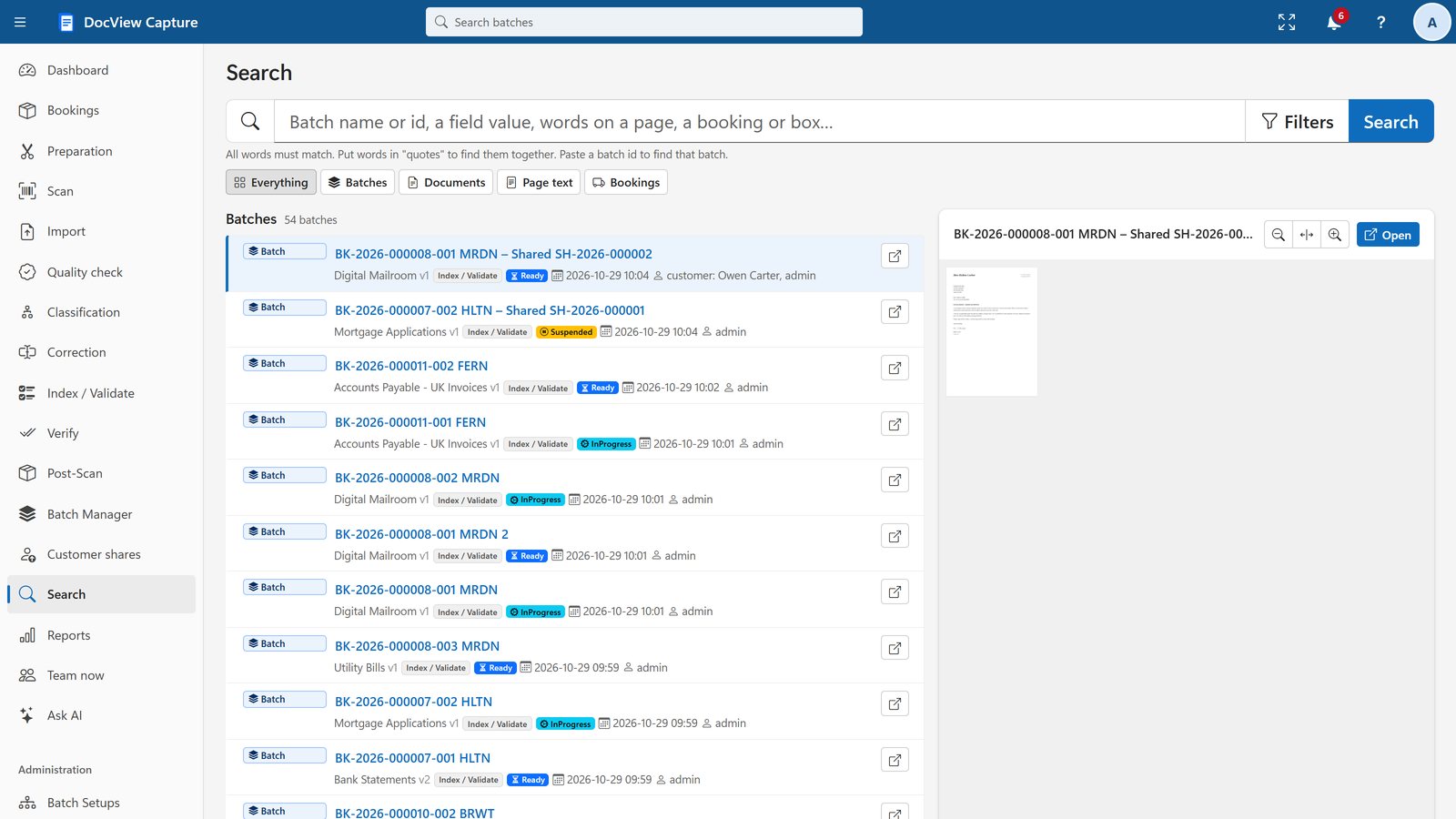
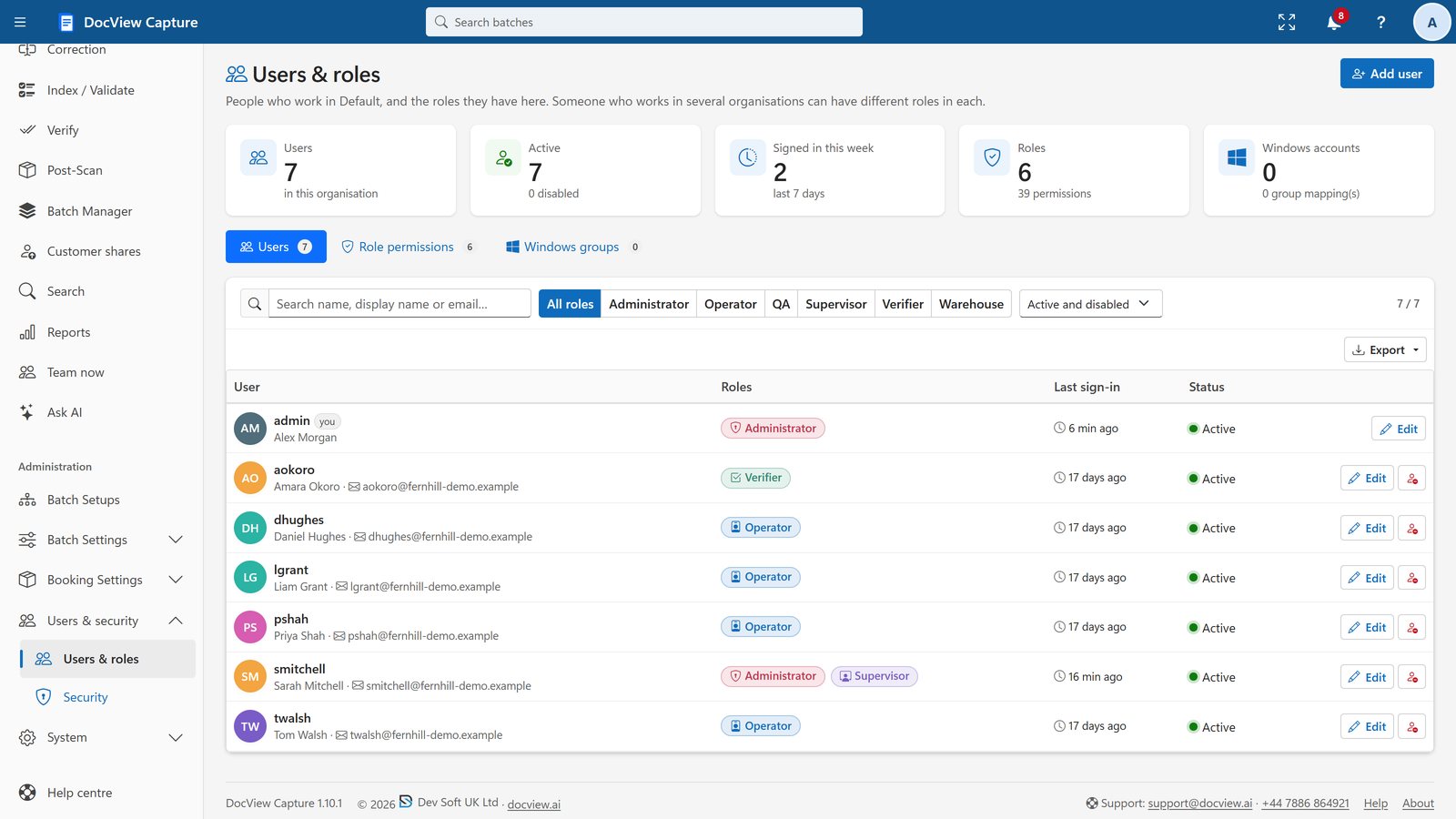
Organisations or departments can have their own users, setups, batches and reports in one installation. Role-based permissions control who can scan, check or export, and import connections collect files from watched folders, mailboxes or SFTP so branches do not have to wait for the post.
Results can go to your dealer or accounting systems by REST or webhook, SQL insert, SFTP or a shared folder.
Automotive questions
Is there a ready-made setup for dealership documents?
There are ready-made setups for supplier invoices, purchase orders and delivery notes. Other document types, such as job cards, are built as your own Batch Setup, and the Batch Setup assistant can propose one from a description or sample documents for you to review.
Can we capture documents from several branches?
Yes. Staff scan on Windows PCs with a TWAIN or WIA scanner, or upload files in the browser, and everything lands in the same system. Organisations or departments keep each group's data apart if you need that.
Can DocView read a VIN?
A pattern finder can look for text shaped like a VIN, and you can add your own validation rule. You decide the pattern and test it on samples.
Try it on your own parts and service paperwork
Send us a few sample documents or start the free 14-day demo. We will show you how the fields are read and checked.