
Ready-made document capture templatesYour first batch in minutes, from 72 ready-made setups
A Batch Setup describes one kind of work once: how it flows, how pages become documents, what to find, how to check it and where to send it. Start from a template, or let the assistant draft one from your requirement.
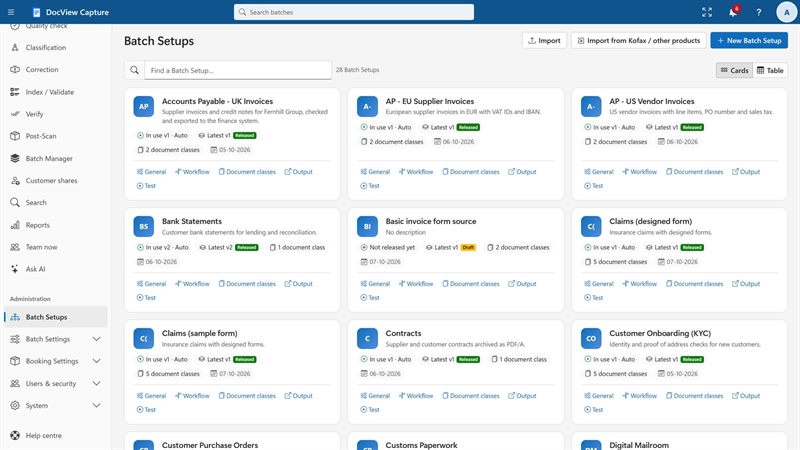
- 72 templatesReady-made Batch Setups
- 28 industrySetups for real kinds of work
- 44 feature"System features" setups with sample documents
- UK, USA, EuropeDesigned for these regions
Everything about one kind of work, in one place
Instead of spreading settings across the product, a Batch Setup keeps them together. Change it once and every new batch of that kind follows the change.
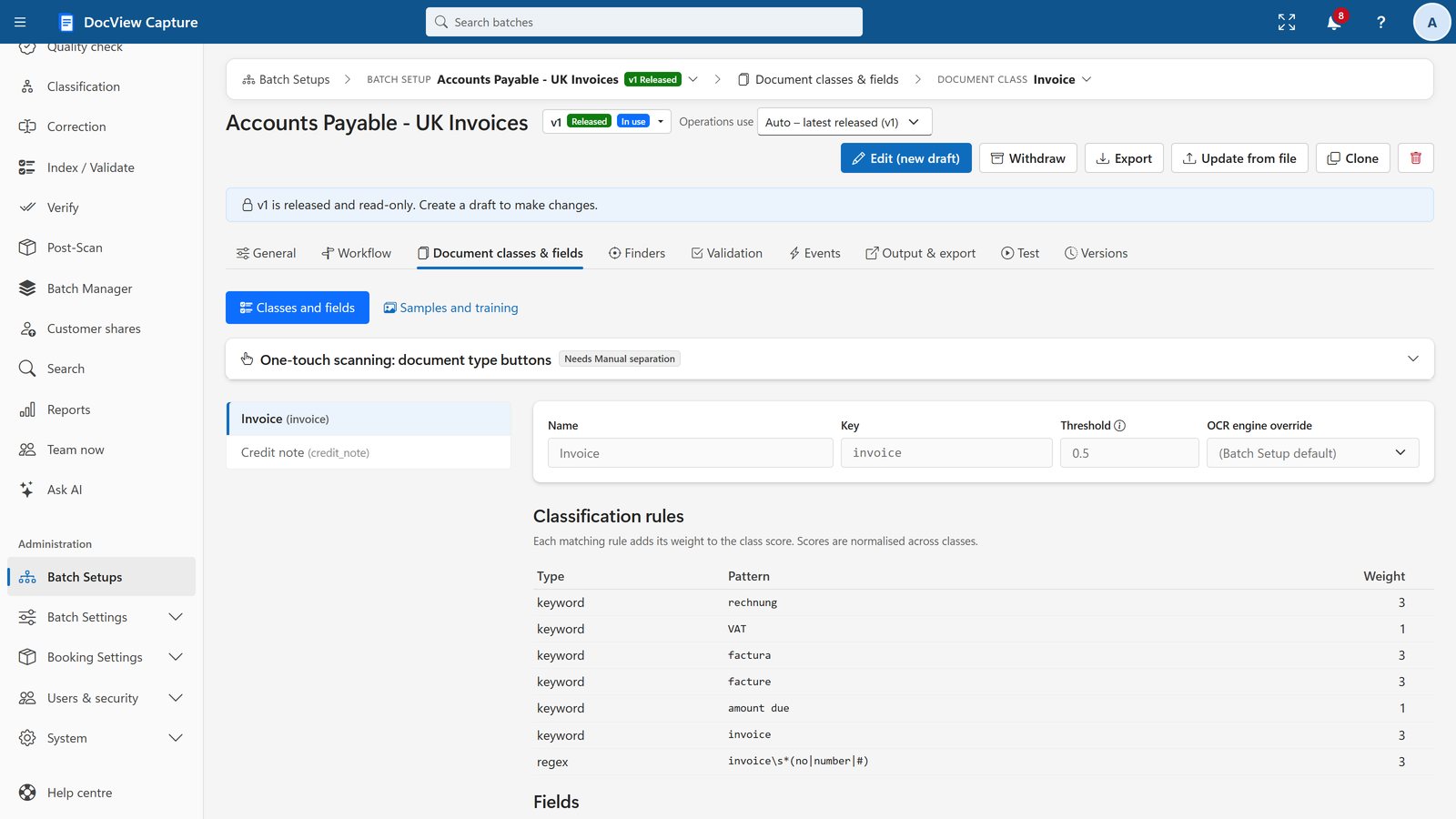
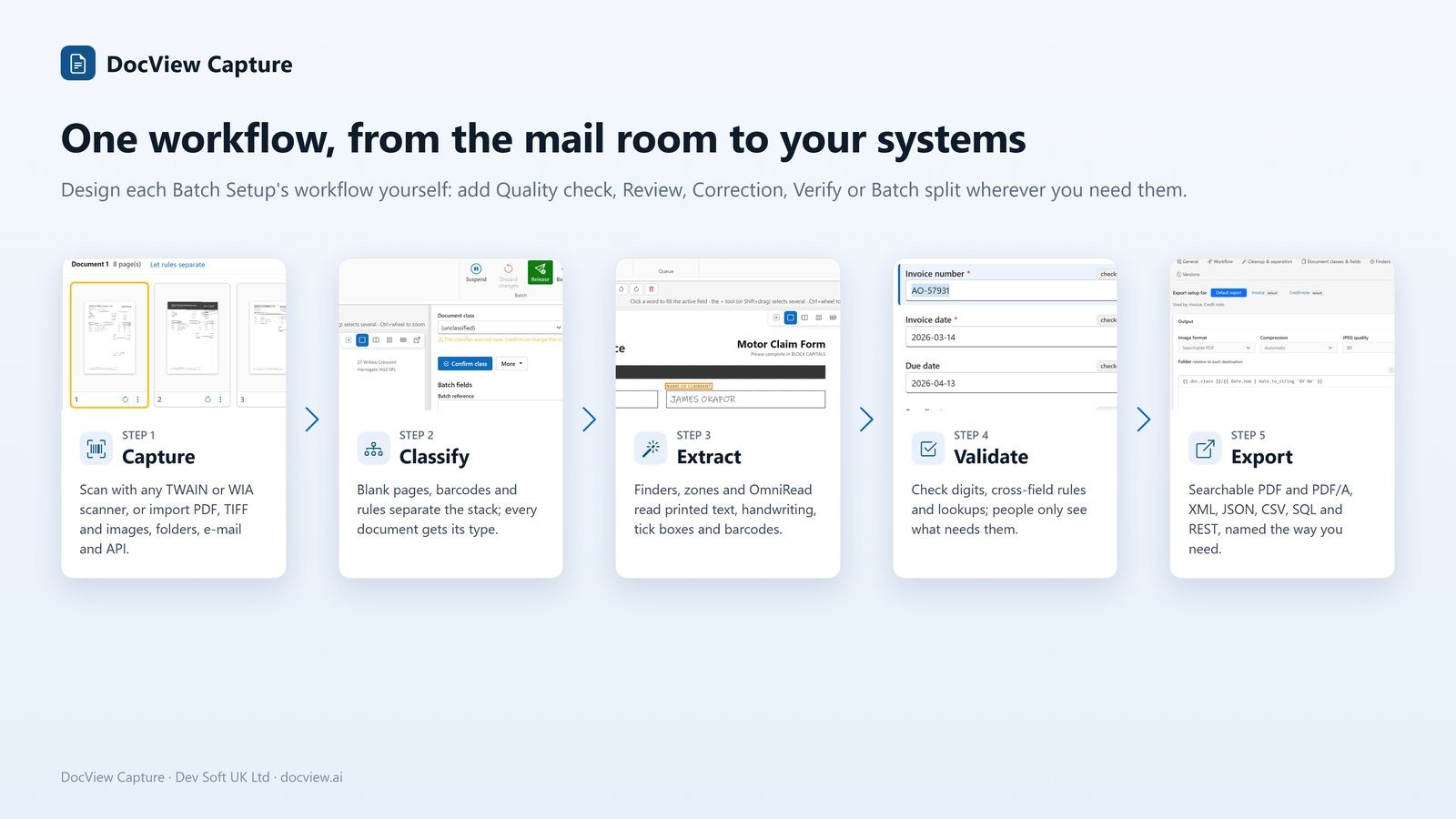
- Workflow. The steps a batch goes through, from scan to export, with four-eyes rules where you want them.
- Image clean-up. Profiles that straighten, clean and check pages.
- Documents. How pages become documents, using barcodes, separator sheets, blank pages or keywords, and what each document is.
- Data to find. The fields to read, such as numbers, dates, amounts and line items.
- Checks. Rules for totals, VAT numbers, IBANs, duplicates and lookups against your master data.
- Output. Where the results go, such as folders, databases and business systems.
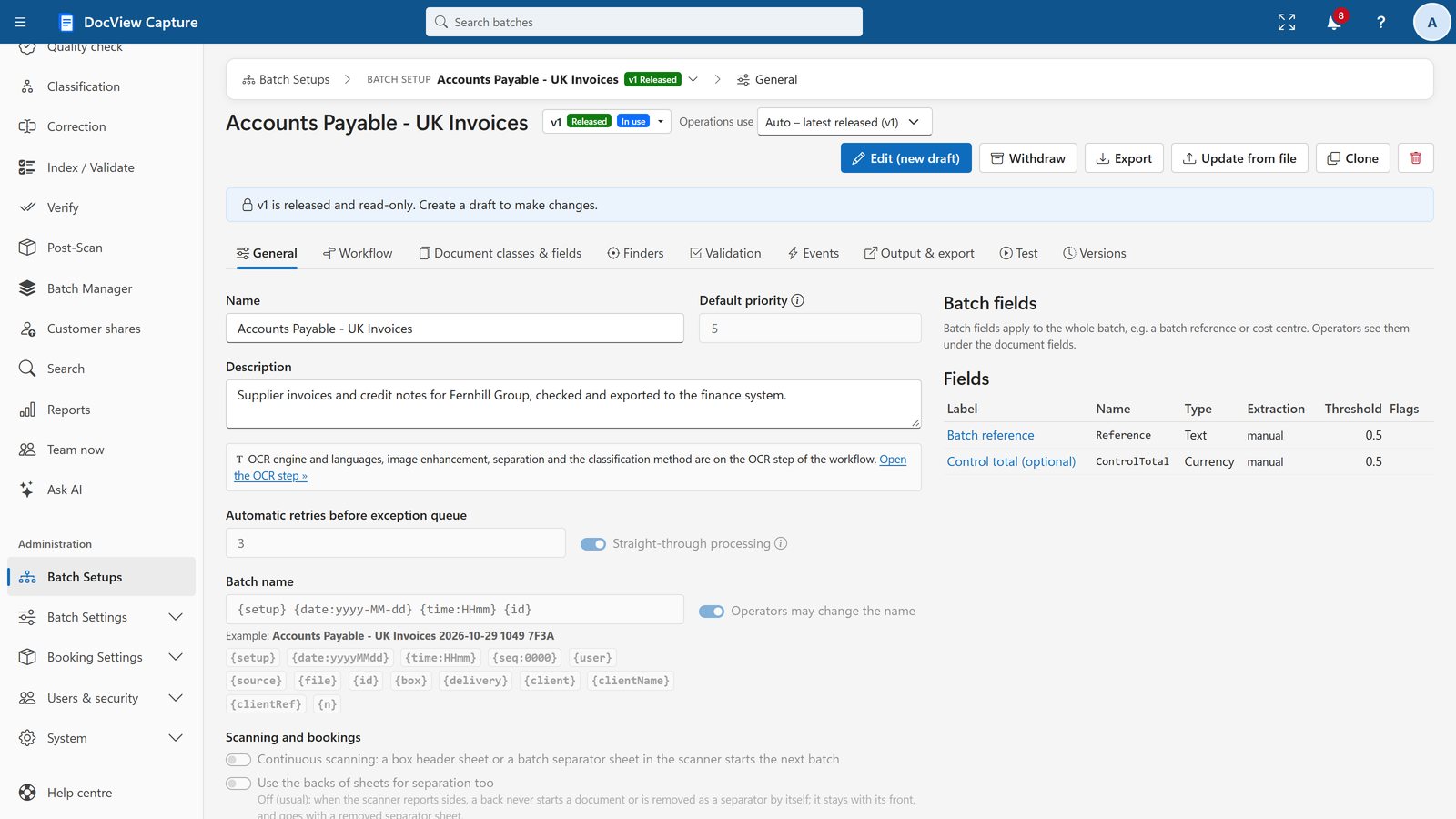
Examples from the gallery
These are examples of the 72 templates, not the full list. The rest are in the template gallery in the product, where you can filter by industry, region and feature. Select a filter to narrow the examples below.
The 44 "System features" templates show one capability each, such as finders, validation or barcode separation, using sample documents. See all features or document capture by industry.
From a template, or from your own requirement
Four ways to get to a setup you can run, and one way to keep it under control.
Pick from the template gallery
Open the New Batch Setup wizard and browse the gallery. Filter by industry, region (UK, USA, Europe, Global) and feature.
Follow the new setup wizard
Choose a template, give the setup a name and adjust it. Add or remove workflow steps, change fields and set where results are sent.
Ask the assistant for a draft
Type a requirement, or give it sample documents, and the Batch Setup assistant proposes a new setup or changes. You review the proposal item by item. It is applied only to a draft, never released automatically, and you can undo it.
Edit a draft and release a version
Work on a draft without disturbing live work. When you release it, the changes are listed. Batches already in progress keep their version, and you can upgrade a batch to the latest version with a preview of the changes.
Move setups between environments
Export a Batch Setup as a file and import it into another environment, for example from test to production.
The assistant uses an on-device AI model by default. You can switch on Claude, OpenAI, Azure OpenAI or Gemini with your own key. Coming from Kofax / Tungsten Capture? A batch class import creates draft Batch Setups for you to review.
The kinds of deployment set-up
The same setups run wherever you install DocView Capture, with one Setup program for each.
One PC
A single Windows workstation, for trials, a small office or one scanning station.
Windows Server and IIS
Your own Windows Servers with IIS and SQL Server, with documents and data on your network.
Docker
Containers on Linux, macOS or Windows.
Azure
In your own Microsoft Azure subscription and region, from ready-made templates.
AWS and Google Cloud
In your own Amazon Web Services or Google Cloud account, in the region you choose.
Hosted by us
Dev Soft UK hosts it for you on Azure, AWS, Google Cloud or another provider of your choice. Hosting is quoted separately.
Serve departments or customers from one installation
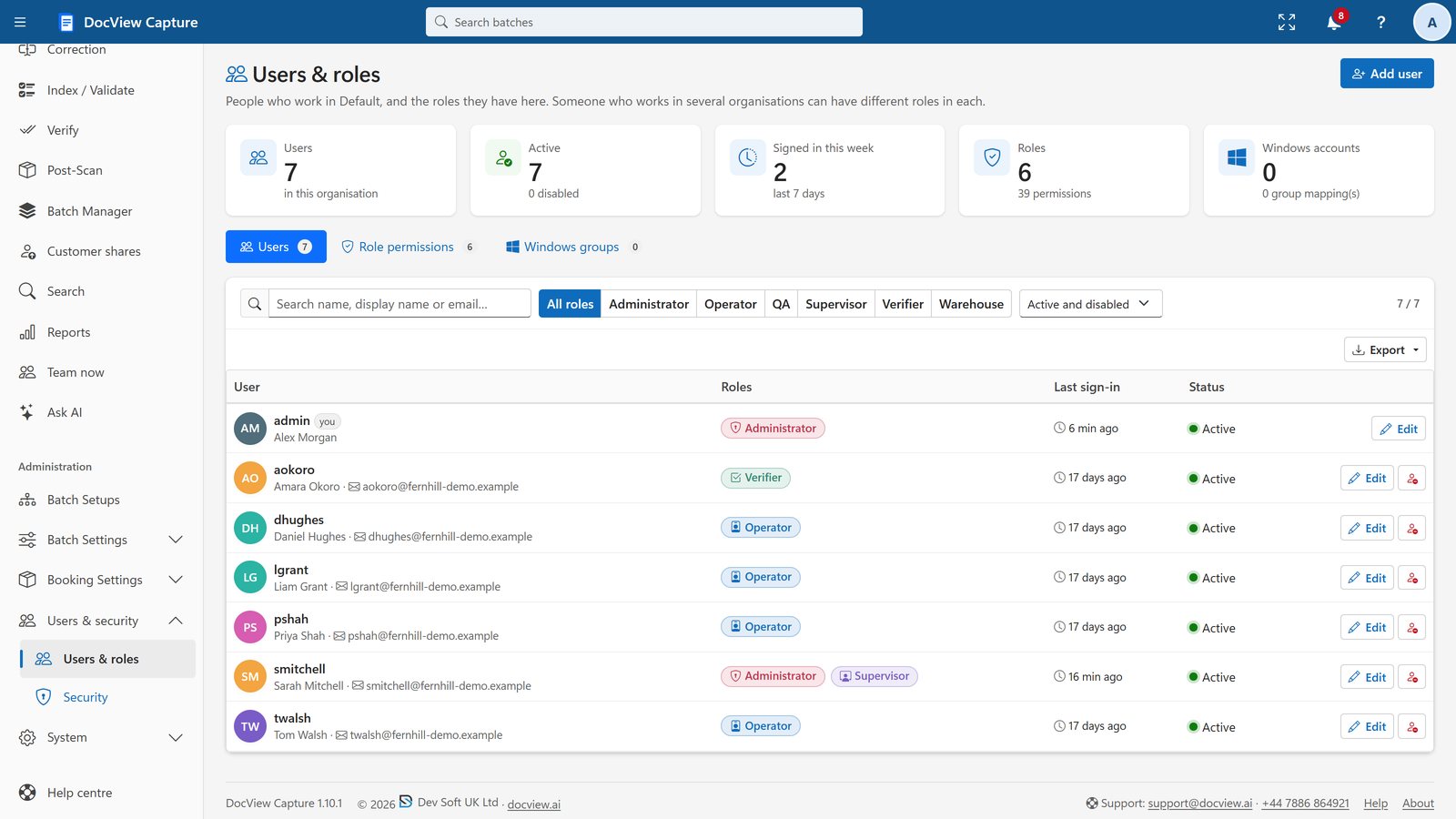
Organisations or departments, or customers when hosted, each have their own users and roles, Batch Setups, scan profiles, import sources, batches, search, reports, bookings, lookups, API keys, audit log and secrets.
- Separation is enforced in the data layer: another organisation's batch cannot be opened, even by its address
- People can belong to several organisations with different roles and switch from the top bar
- Each organisation has its own Batch Setups, scan profiles and import sources
Before you ask
How many ready-made setups are there?
72: 28 industry templates and 44 "System features" templates that show each capability with sample documents.
Can I change a template?
Yes. A template creates a draft Batch Setup that you can edit. You then release it as a version, and batches in progress keep the version they started with.
Can the assistant release a setup by itself?
No. The assistant only changes a draft, you review each proposed item, and nothing is released automatically. You can undo what it applied.
Can I define my own document types and fields?
Yes. Templates are a starting point, and you can define your own document types and fields.
Start from a setup that fits
Start a free 14-day demo with sample Batch Setups ready to run. No installation, no credit card.