
Barcode and document separationStacks of paper become documents automatically
Use barcodes, patch codes, separator sheets, blank pages, keywords and page size to split a batch, then send each kind of document where it needs to go.
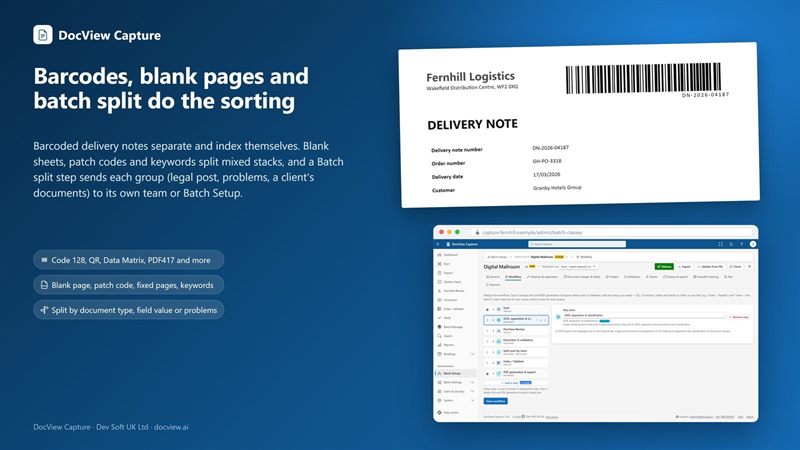
Every common 1D and 2D barcode, at any angle
DocView reads several barcodes per page, including small and damaged codes and QR codes, and also reads patch codes.
- Choose the types, orientation and length
- Check digits, and pick first, last, Nth or top-most
- Split one value into named parts to fill several fields
- Use a barcode to separate, identify or index a document
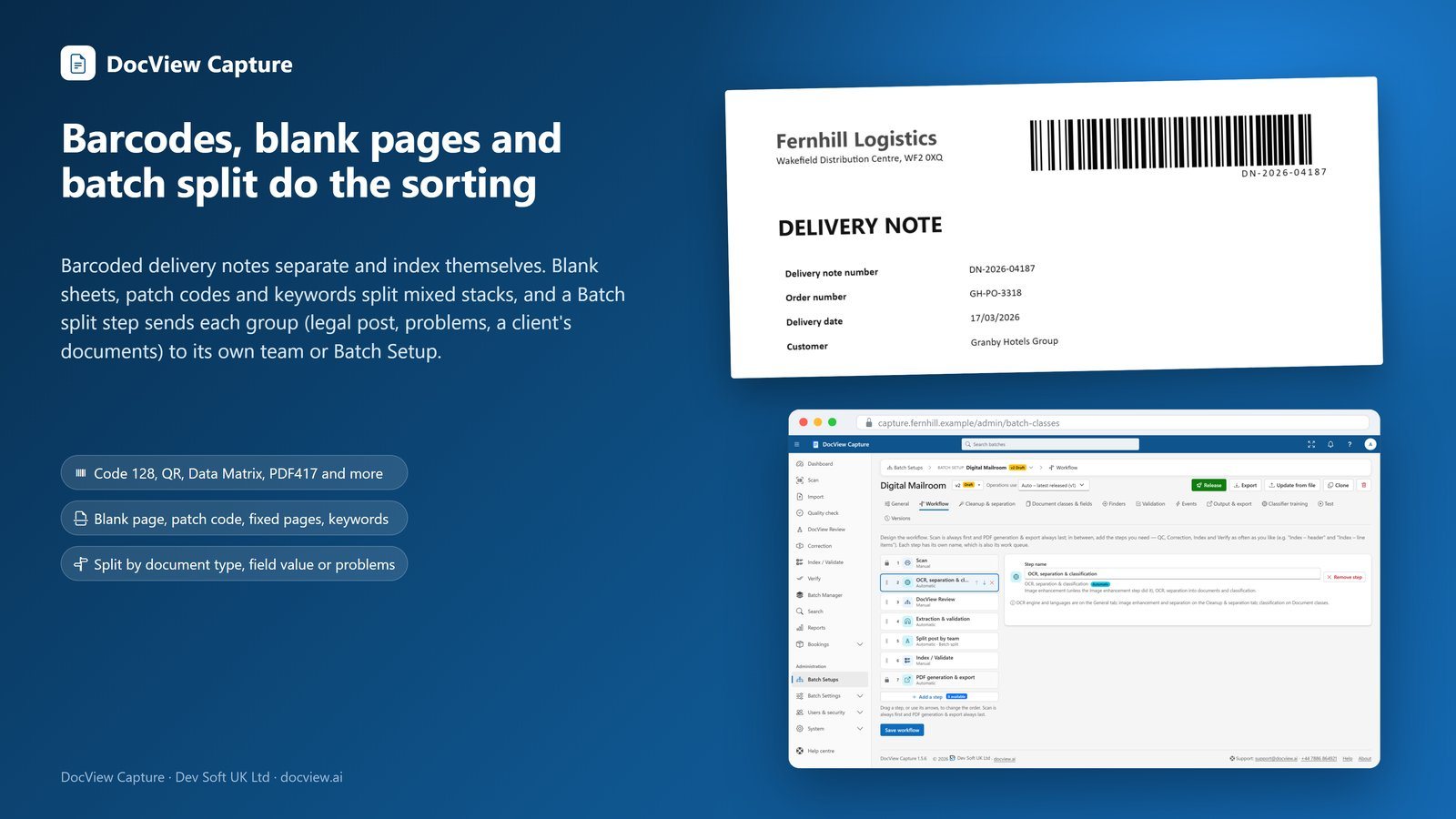
Separation rules you can combine
Put rules in priority order and test them on a sample batch before you go live.
Barcode separators
Start a new document at a barcode, with value patterns to tell separators from other codes.
Patch code sheets
Separate documents with patch code sheets placed between them in the stack.
Separator sheets
Printable barcode or text sheets. In continuous scanning, a separator can also start the next batch.
Blank pages
Use blank pages as separators and optionally remove them.
Fixed pages and page size
A fixed page count, or page size and count, for example 4-page A4 forms with cheques between.
Keywords and types
Keywords or patterns start a document, or a new one starts when the classified type changes.
Backs of sheets follow their fronts unless you choose otherwise. Operators can always split and merge by hand.
Sorted as the pages arrive
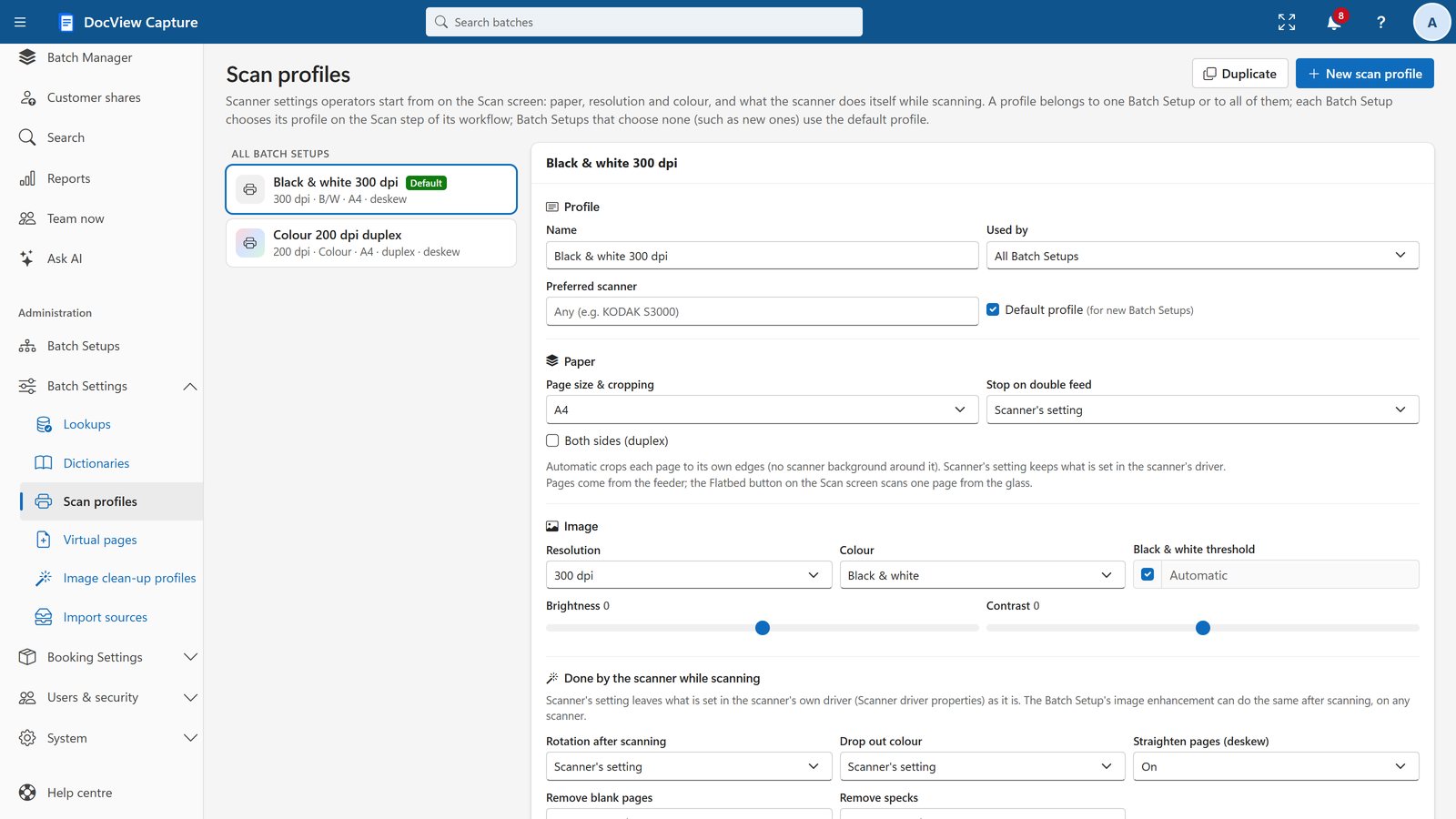
When rules need no OCR, such as fixed pages, barcodes, patch codes, blank pages or page size, pages are sorted into documents during the scan. Scanning never waits for the recognition engine.
Header sheets and box sheets are recognised and removed automatically, and a header sheet links the batch to its box.
Send each document to the right team
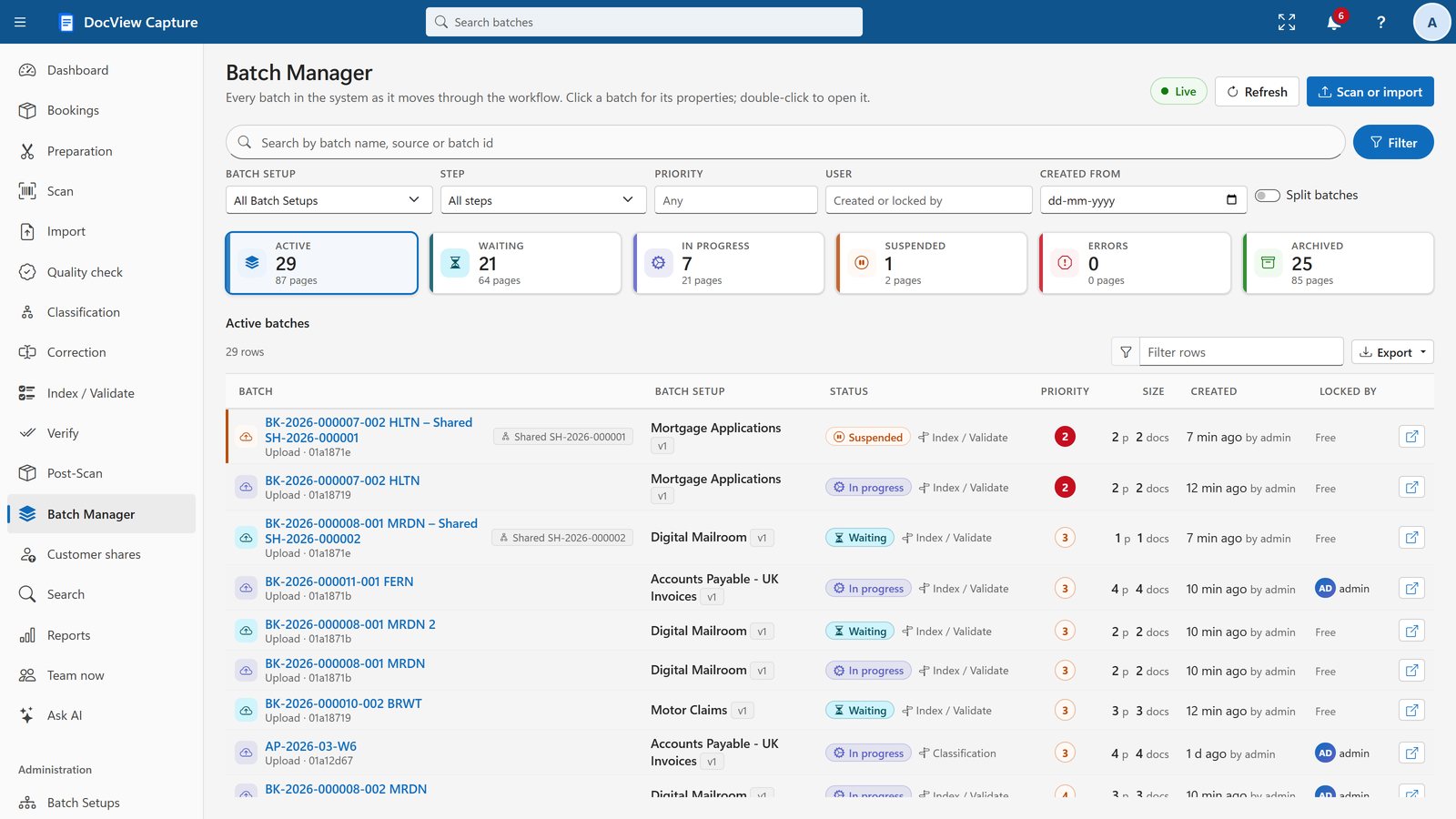
Batch split sorts a batch's documents into groups by document type, field value, problems or a script. Each group becomes a linked batch, with its own destination, step, priority and name.
Mailrooms use this to send work to different teams. See digital mailroom.
Barcode questions
Which barcodes does DocView read?
Every common 1D and 2D barcode, including QR codes, at any angle and several per page, plus patch codes. Barcodes can separate documents, identify them and fill fields.
Can I print my own separator sheets?
Yes. DocView can print batch separator sheets, box sheets and header sheets, and recognises and removes them automatically.
Can barcodes be read during scanning?
Yes. Barcode sheets read while scanning use the built-in reader, so scanning does not wait for the recognition engine.
Try separation on sample batches
Start a free 14-day demo in your own workspace. No installation, no credit card.