
Document capture software for educationAdmissions season without the keying marathon
Application forms, transcripts and proof of identity arrive in waves. DocView Capture reads handwriting and tick boxes, checks the data and files student records, on your own servers.
A few weeks of the year set the staffing for all of it
Admissions offices and school administrators receive most applications in a short window, many on paper forms filled in by hand, with copies of certificates and identity attached. Staff type the details into the student record system, chase missing pages and answer questions about what has been received.
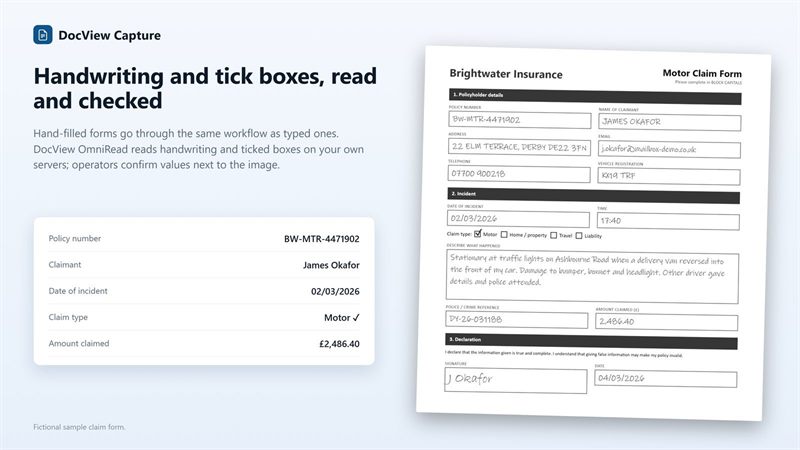
- Handwritten forms with tick boxes for course, entry route and consent
- Supporting documents attached in no fixed order
- Applicants asking whether their file is complete
Ready-made setups for student admissions and records
DocView Capture includes setups for student admissions and records, and for utility bills, which are often used as proof of address. Other forms, such as exam entry or consent forms, can be set up as your own Batch Setup.
From a handwritten form to a student record
- Reads hand printing in boxes and handwriting in zones, and picks the clearest tick in a group of tick boxes
- Sends unclear marks and low-confidence values to an operator, next to the page
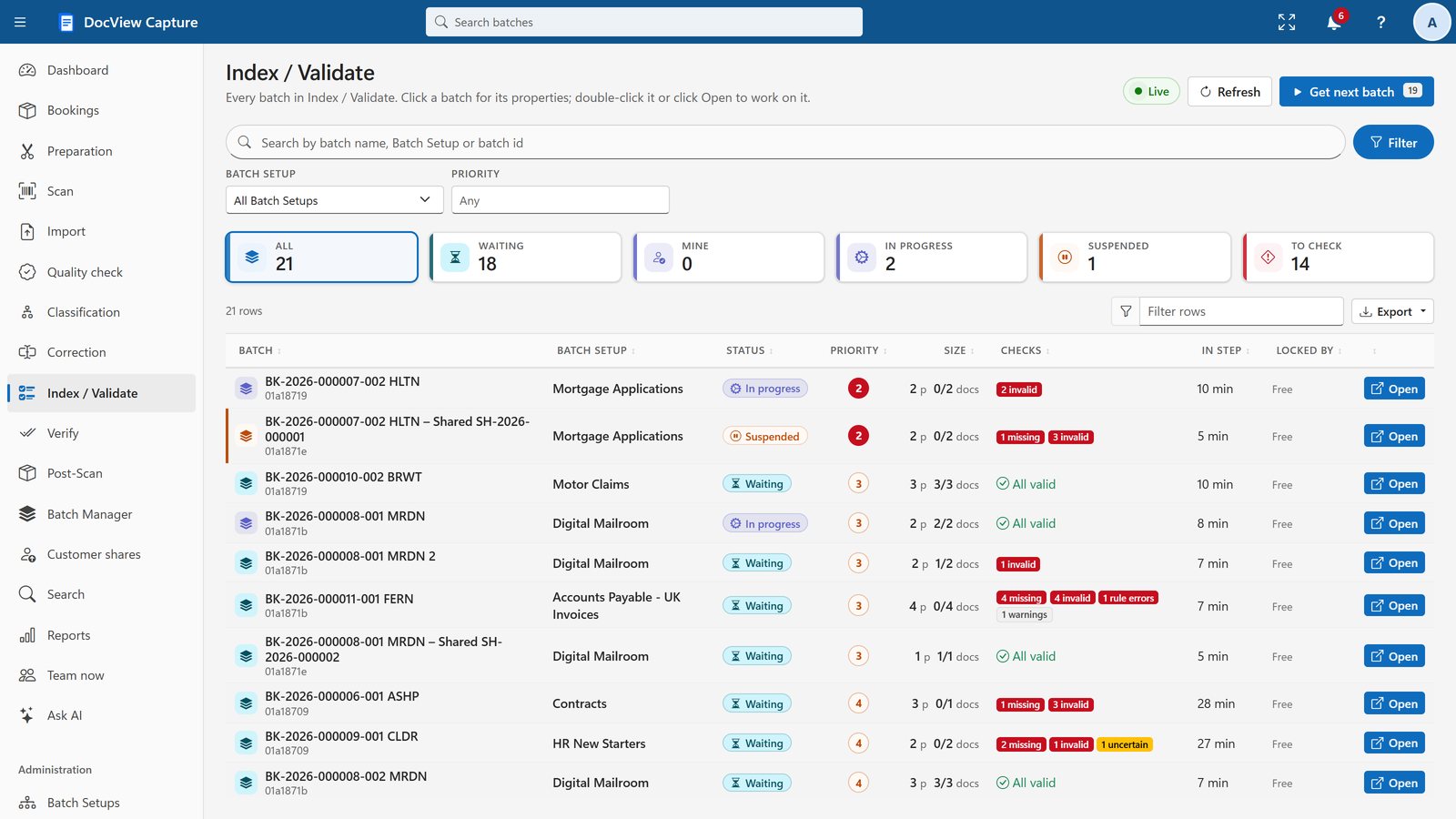
- Separates a stack into documents by barcode sheet, blank page or document type
- Exports to a folder, SQL database, SFTP or a REST service for your student information system
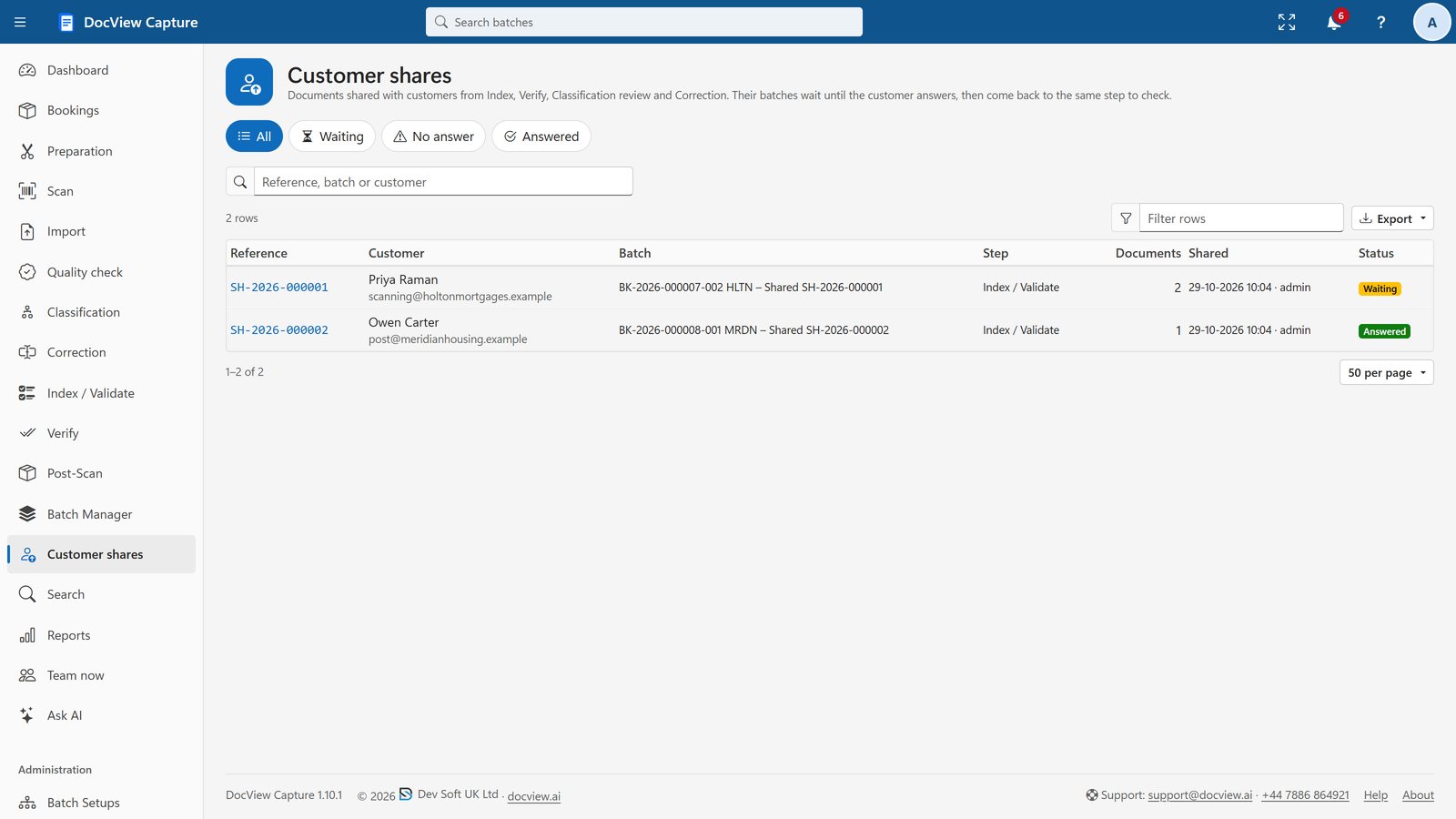
Ask the applicant, without opening an account
Send chosen documents to an applicant with a secure link and a PIN. They answer a question, fill in a field or upload replacement pages, and the work returns to the same step for checking. Reminders and escalation to named staff are built in. Sharing is off by default and switched on for each workflow step.
Student data stays where you decide
Run DocView Capture on your own servers or in your own cloud account, or have Dev Soft UK host it for you. Recognition runs on your own hardware by default.
- Role-based permissions per module, operation and Batch Setup
- Audit trail of every field change with old value, new value, user and time
- Correction at random shows an operator only the value being keyed, never the whole page
- Retention settings for images and archived batches, all configurable
- Sign in with Windows or Active Directory, or single sign-on with Microsoft or Google
- Add Workers to cope with the admissions peak
Education questions
Can DocView read handwritten application forms?
Yes. It reads hand printing in boxes and handwriting in zones, and uses a second reading for unsure zones when a vision model is enabled. Anything uncertain is shown to an operator.
Do student documents leave our network?
Not unless you choose. Recognition runs on your own servers by default, and cloud OCR or AI services stay off until an administrator switches a provider on with your own key.
Can several schools or departments share one installation?
Yes. Organisations or departments each have their own users, setups, batches and reports, kept apart.
Is there a template for admissions?
Yes, there are ready-made setups for student admissions and records. You can edit a copy to match your own forms.
Plan your next admissions round with less keying
Try the live demo for 14 days, or talk to us about a 30-day installed evaluation on your own servers.