
KYC and AML document processingCustomer files that are complete, checked and signed off
KYC and AML document processing with DocView sorts ID documents, proof of address and company documents, reads the details and asks a second person to approve. Dev Soft UK designs and builds this solution for you with DocView Capture, DocView Web and DocView OmniRead.
Onboarding stalls on paperwork, not on decisions
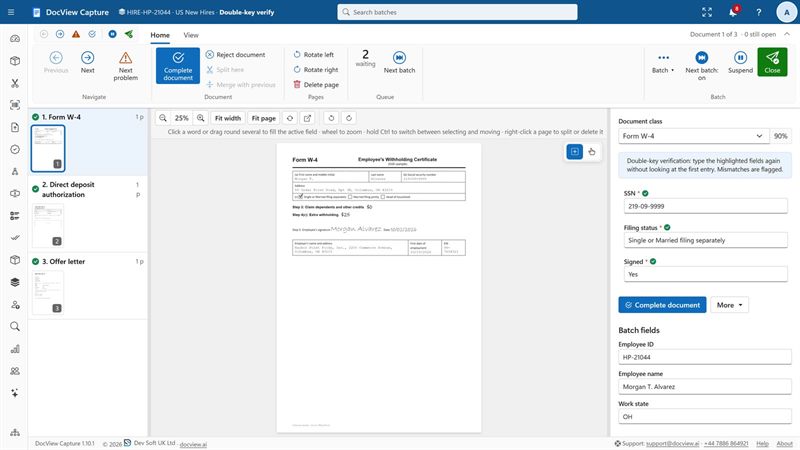
A new customer sends a passport photo and a utility bill. A company sends its certificate of incorporation and a list of owners. Staff check each one by eye, retype names and dates, chase what is missing and note who approved. When someone asks how a file was checked, the answer is spread across e-mails and spreadsheets.
Collect
Documents arrive from a branch scanner, a shared mailbox, a watched folder or your own systems, as PDF, TIFF, JPEG or PNG.
Sort
Each document is identified: passport, driving licence, utility bill, bank statement, company certificate.
Read
Names, dates, document numbers, addresses and company numbers are picked out, each with its confidence.
Check
Rules compare details across documents and flag anything missing, unclear or too old.
Approve
A reviewer records the risk rating, and a different person signs the file off.
Included in DocView
These capabilities are documented features of DocView Capture and DocView Web. We set them up for your documents.
- A KYC and onboarding Batch Setup for the UK and Europe in the template gallery, as a starting point
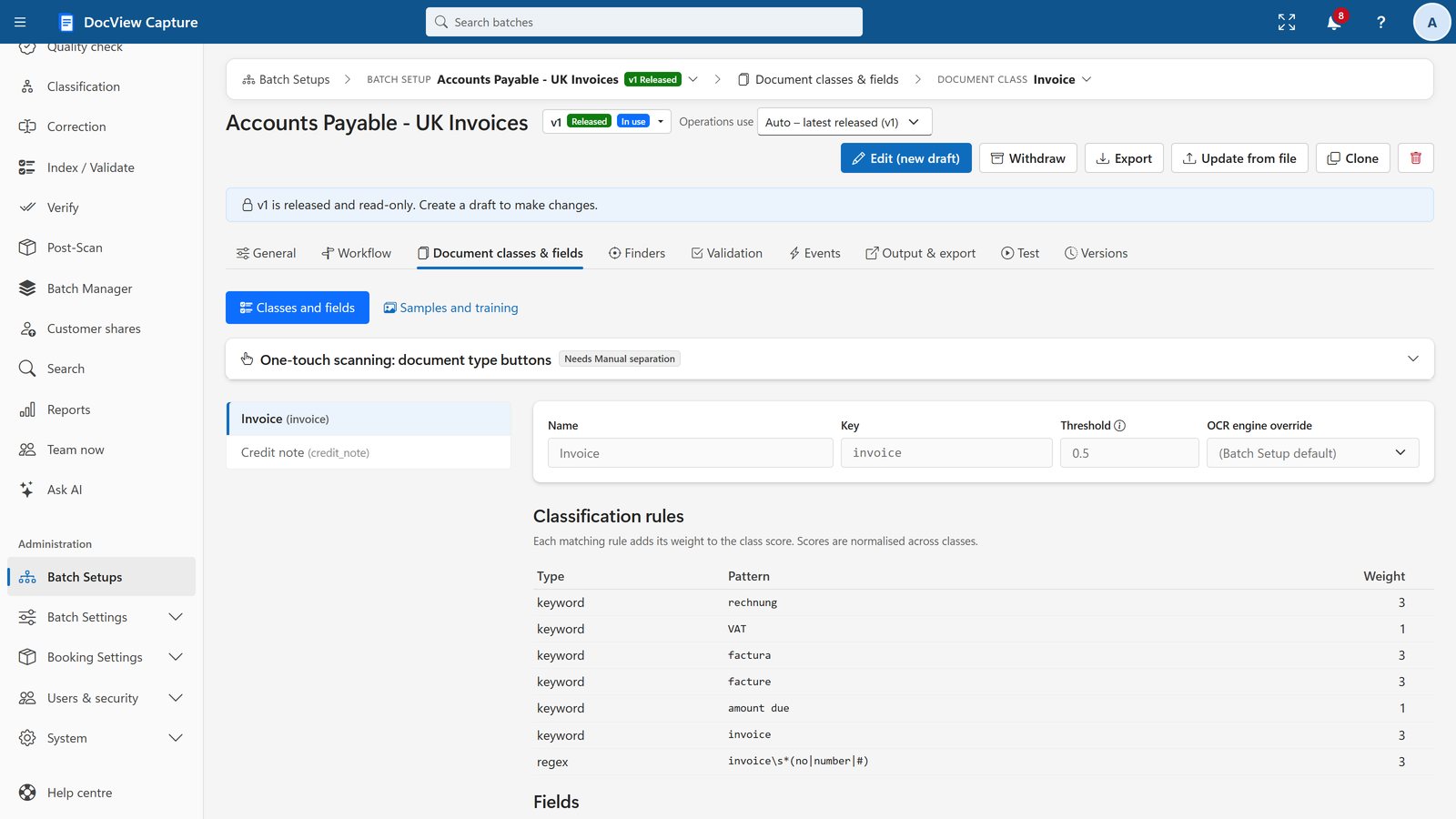
- Classification by rules, by a classifier trained on your samples, or both, with review below the threshold you set
- Label and value finders, form zones and handwriting reading for signed application forms
- Validation rules: patterns, lists, dates, comparisons across fields and required-if rules
- Fuzzy lookup against your existing customer records, despite OCR errors
- Four-eyes rules: a step can require a different person from the one who worked on the batch
Ask the customer, keep the record
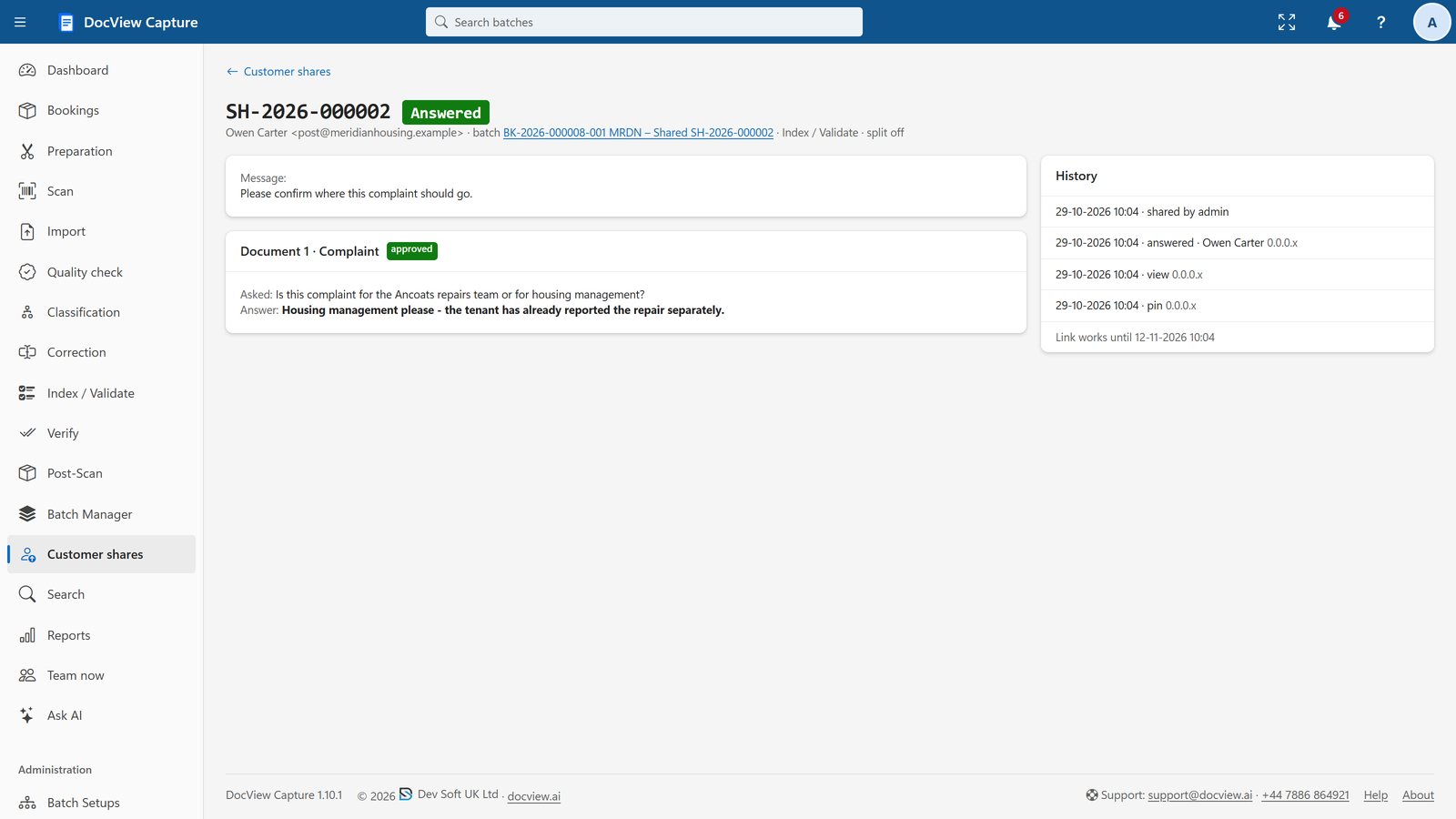
An operator can share chosen documents with the customer through a secure link and a PIN, so they can upload a newer bill or answer a question without an account. The answer comes back to the same step for checking.
The audit trail records every field change with the old value, new value, user and time. Role-based permissions limit each Batch Setup to the people who need it, and in DocView Web document cases keep the documents of one customer together.
What we configure or build for you
Every firm's policy is different. We turn yours into checklists, rules and routes.
Checklists by customer type
We set the documents each type needs, such as an individual, a sole trader or a limited company, and hold the file until each one is present.
Proof-of-address date rule
We configure a check that a bill or statement is dated within the period your policy sets. Older documents go to a reviewer with the reason shown.
Company documents and owners
We read company name, number and registered office, and list each director and beneficial owner so every person gets their own ID and address check.
Risk rating recorded
We add a risk rating field with your categories and a reason. It must be filled before release, and higher ratings can go to a senior reviewer.
Connections
We can connect DocView to systems such as your CRM, case management system or a screening service you already use, through REST, SQL or files.
Periodic reviews
We can build a DocView Web workflow that brings a customer file back for review on the schedule your policy sets.
Any team that must identify customers and show how it did
For lenders, see also banking and lending.
KYC and AML questions
Is this an off-the-shelf product?
No. It is DocView configured for your onboarding process and, where needed, extended by Dev Soft UK. Capture, checking and approval are part of DocView; your checklists, rules and connections are set up for you as a project.
Does DocView decide whether a customer passes?
No. DocView reads the documents, applies the checks you agree and records who reviewed and approved the file. The decision and the risk rating stay with your staff and your policy.
How does the proof-of-address date check work?
We configure a date rule with the period your policy uses. A bill or statement outside it is flagged with the reason, and a reviewer can ask the customer for a newer one through a secure link.
Can we show who approved a file?
Yes. The audit trail records every action and field change with the user and time, and four-eyes rules make sure the approver is not the person who prepared the file.
Do identity documents leave our network?
Not unless you choose. When you run DocView yourself, recognition runs on your own servers by default, and cloud services stay off until an administrator switches one on with your own key. We can also host it for you on Azure, AWS, Google Cloud or another provider of your choice.
Will this meet our AML obligations for us?
We make no compliance claim. The audit trail, role-based access, four-eyes checks and retention options are designed to help you meet your own anti-money laundering and data protection obligations.
Talk to us about your onboarding checks
Tell us which documents you collect and how you check them, or try the 14-day demo with fictional documents first.