
DocView CaptureWeb-based document capture, from scanner to ERP
Everything runs in a web browser: setup, scanning, keying and administration. Documents that are found, confident and valid go straight through to export.
Software licence from $250/month, 30-day free trial. Hosting is quoted separately.
- 72Ready-made Batch Setup templates
- 50OCR languages with DocView OmniRead
- 37Ready-made reports, plus a report builder
- 10Interface languages
Turn paper and electronic documents into clean data
DocView Capture turns documents into searchable PDFs and clean, validated data. Scan from any TWAIN or WIA scanner straight into the browser, or collect documents from folders, mailboxes, cloud storage and databases.
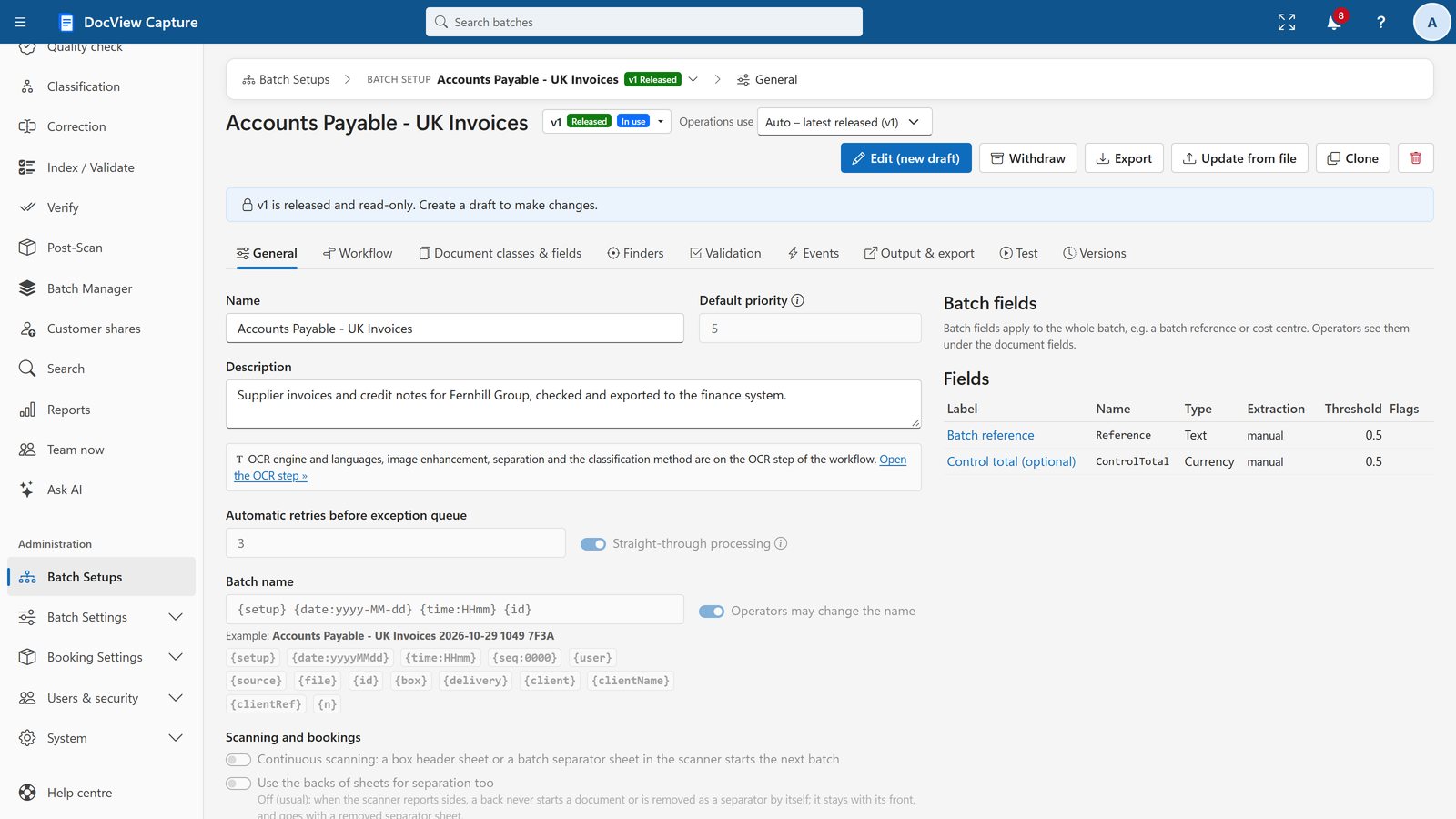
DocView reads print, handwriting, tick boxes and barcodes, sorts and classifies the documents, checks the data against your rules, and delivers it to your systems.
- Less keying, fewer errors. Operators confirm only uncertain or invalid values.
- Hosted or run yourself. We can host it on Azure, AWS, Google Cloud or another provider of your choice, or you can install it yourself.
- Your data stays where you want it. When you run it yourself, recognition stays on your own hardware by default.
- Fast to start. 72 templates, with your first batch in minutes.
Describe a kind of work once
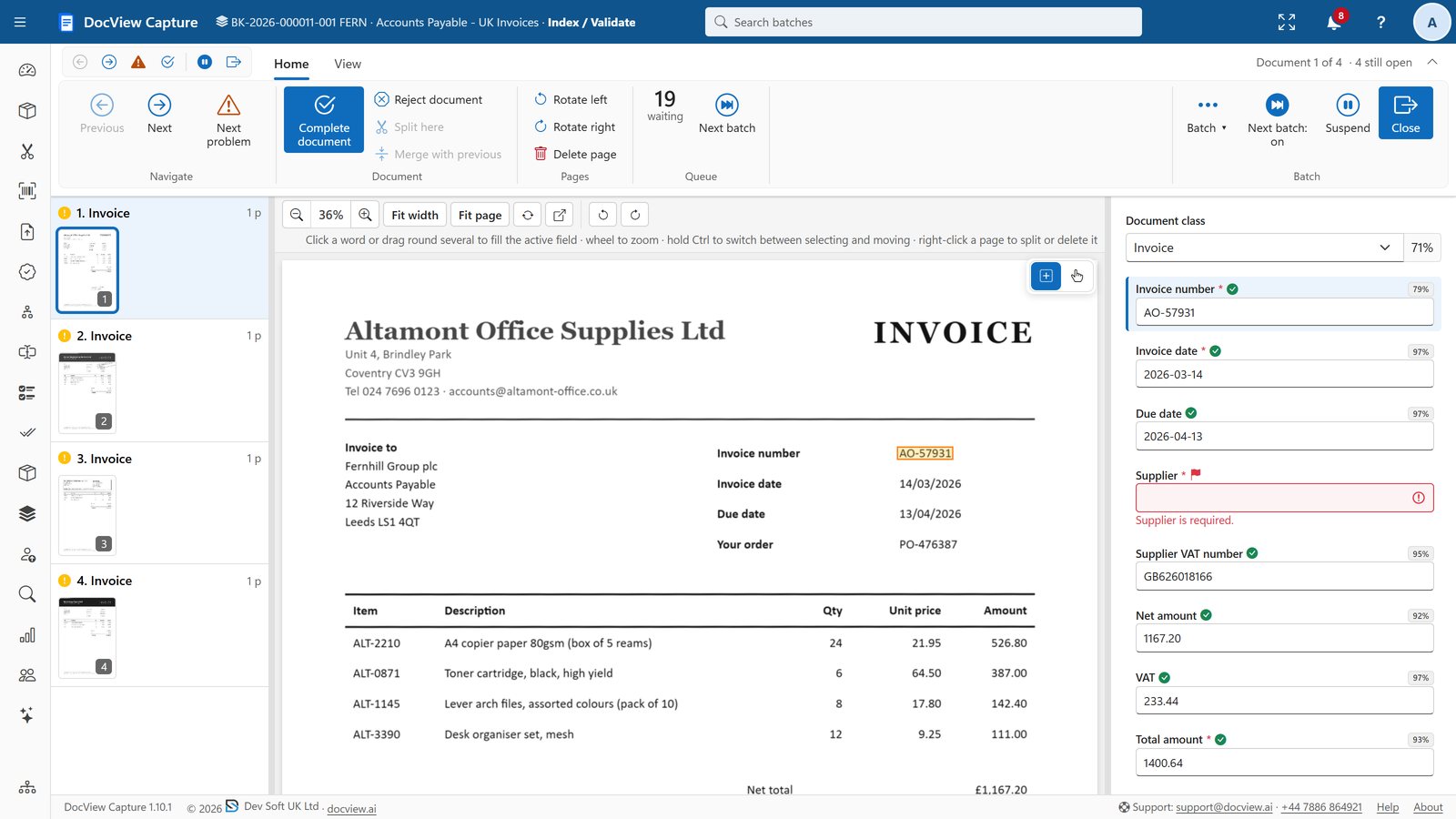
A Batch Setup holds everything about one kind of work: the workflow, image clean-up, how pages become documents, what each document is, which data to find, how to check it and where to send it.
- Start from a template gallery, filtered by industry, region and feature
- Edit a draft and release it. Batches in progress keep their version
- See what changed at release, and move setups between environments as files
From capture to export
Scan is always first and Export always last. Add the steps you need, and manual steps are skipped when there is nothing to do.
- Scan or import
- Image enhancement
- Image check
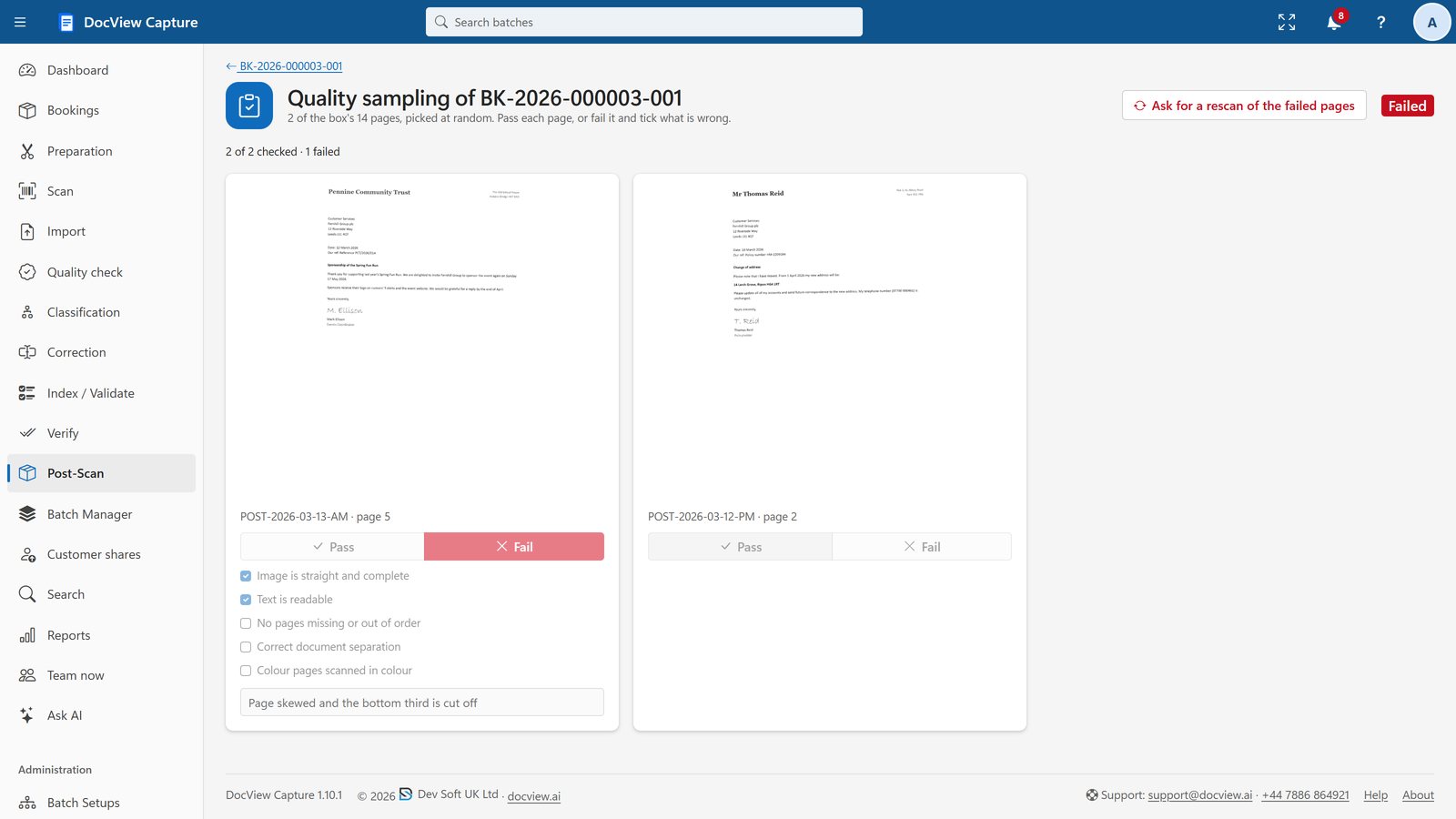
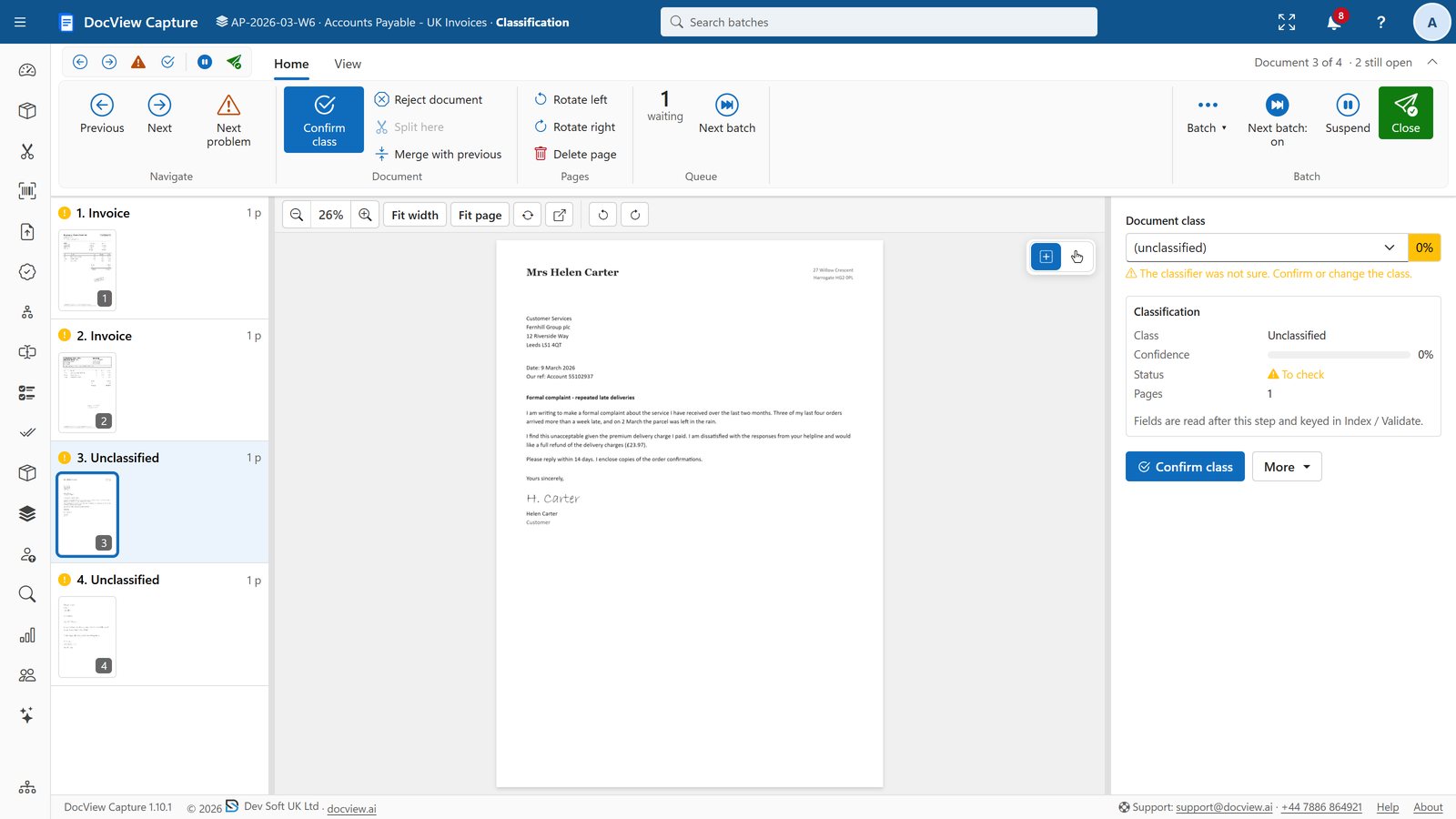
- Quality check
- Classification review
- Correction
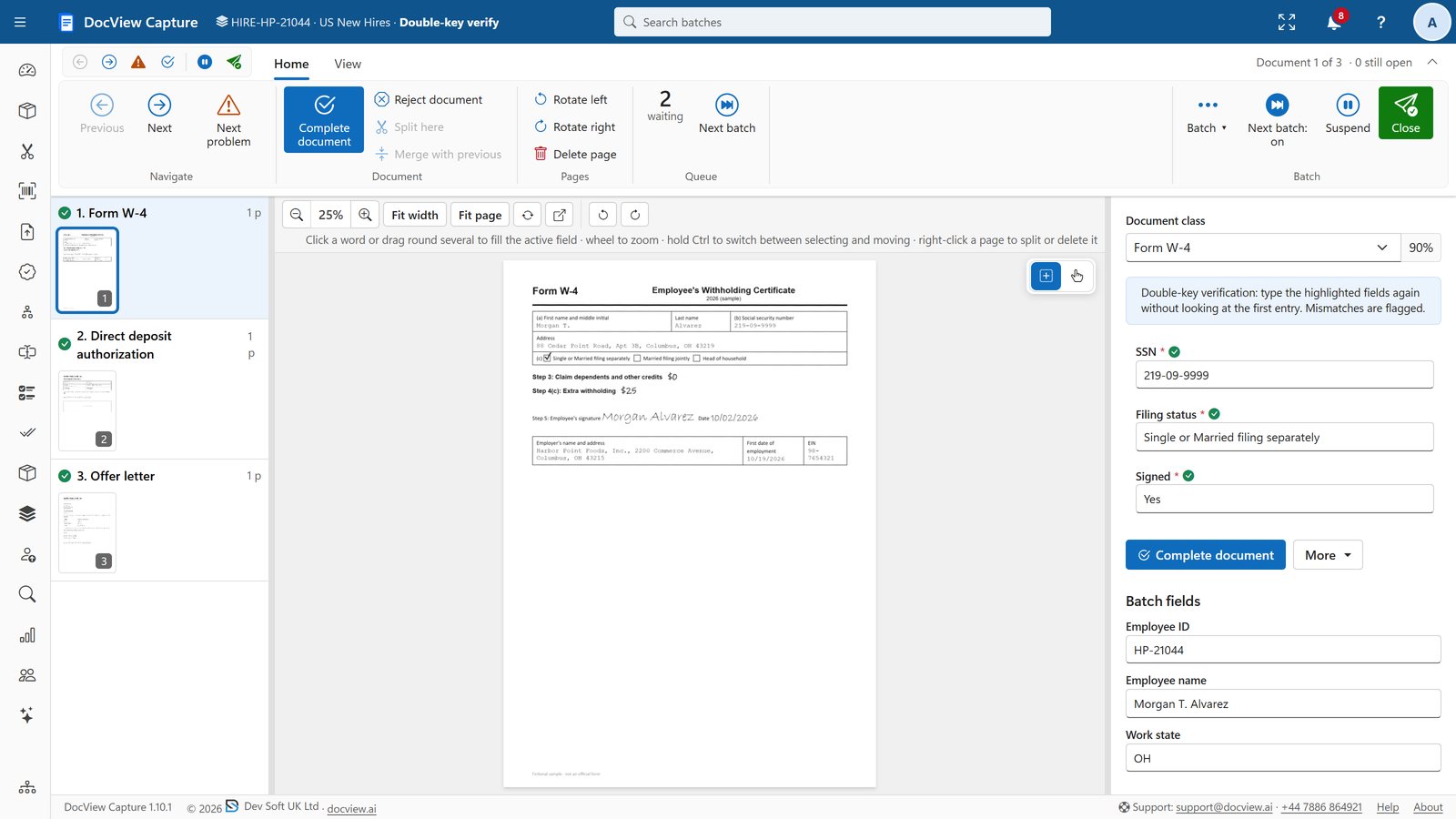
- Index and Validate
- Verify
- Batch split
- Export
What you get
DocView Capture
The web application for setup, scanning, keying, reports and administration.
DocView OmniRead
Our own recognition engine, running on your servers with processors only.
DocView Worker
The background service. Add as many as you need, and they safely share one queue.
DocView Scan Agent
A small Windows program that connects TWAIN and WIA scanners to the browser.
See everything, find anything
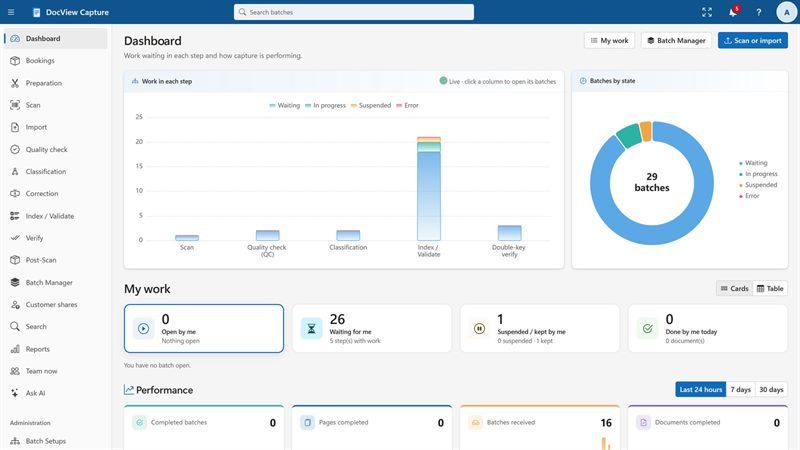
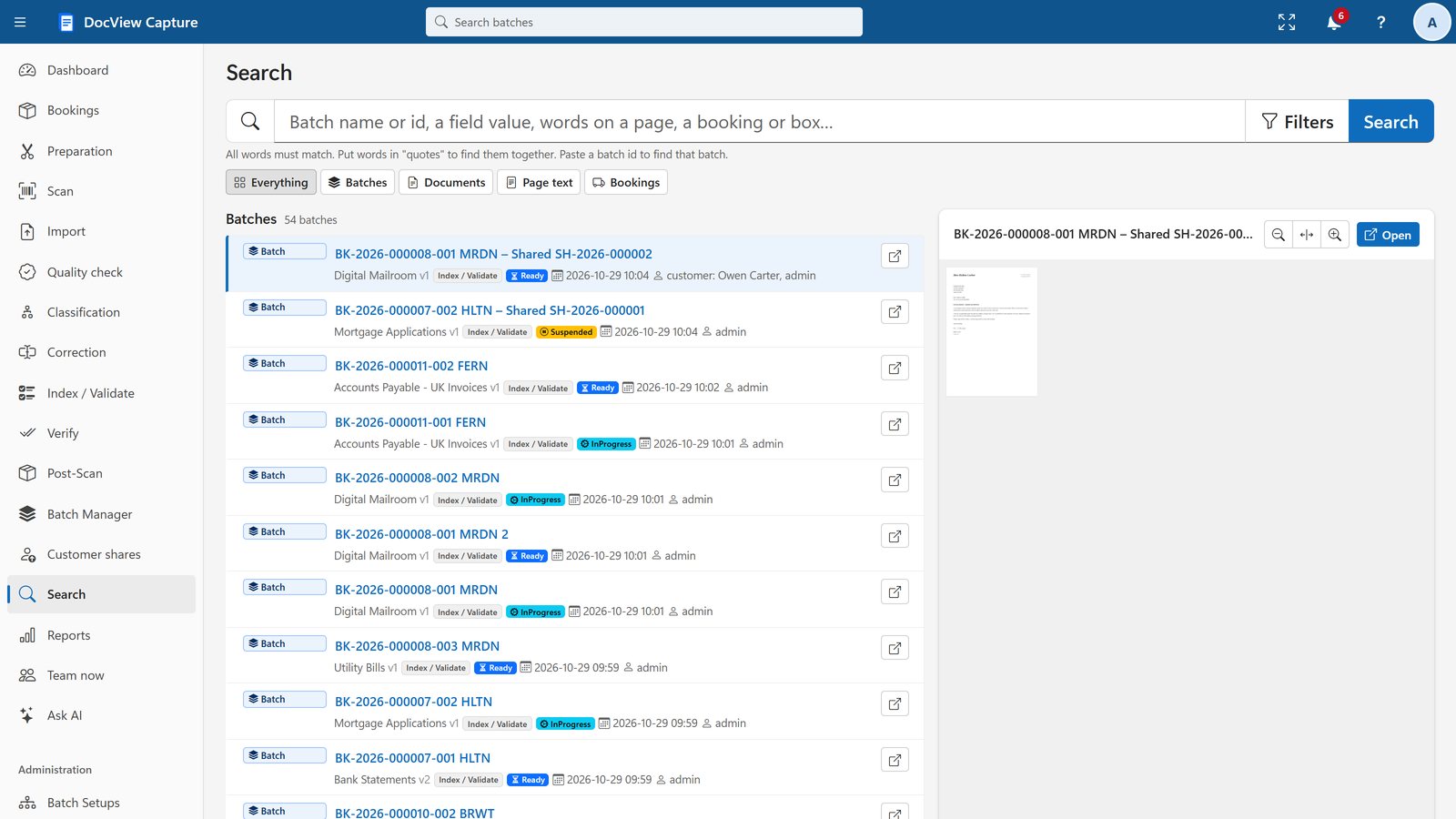
Search across batches, documents, field values and page text, including exported and archived batches. Dashboards and 37 ready-made reports show throughput, quality and productivity.
Fair, accurate productivity figures
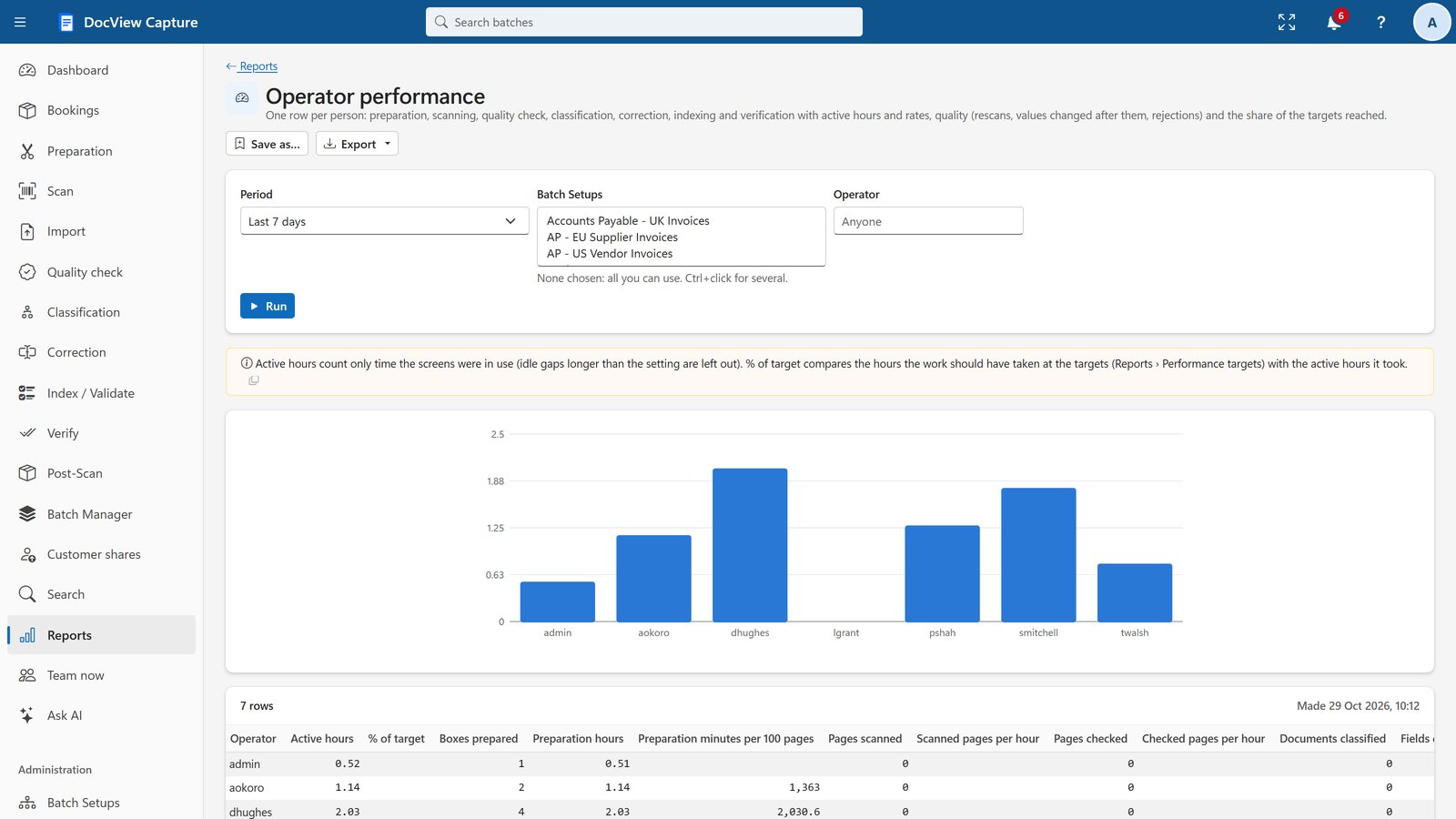
Active time per user and step leaves out idle gaps. Set targets per Batch Setup and step, and see quality per operator. Everyone's figures need a specific permission, and operators see their own.
Where to go next
Try DocView Capture free for 14 days
Your own workspace with sample Batch Setups. No installation, no credit card.