
Logistics document capture: POD and delivery notesProof of delivery in the system the day the van gets back
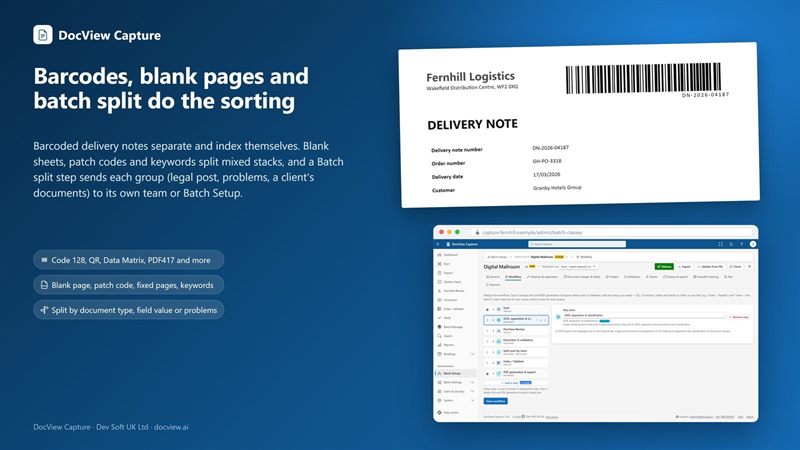
Drivers return a stack of delivery notes, CMRs and signed PODs. DocView Capture splits the stack by barcode, reads the references and delivers the data and images to your systems.
Invoicing waits for paper that is still in a cab
A haulier or warehouse cannot invoice until the signed proof of delivery is on file. Drivers hand in notes that are creased, signed in the rain and stapled in no order. Customers ask for a copy, and across borders a consignment can need a CMR, customs declarations and commercial invoices, each with reference numbers that must be right.
Paper meets deadline
Scanning, reading and checking must happen in step with the delivery run, not a week later.
Ready-made setups for transport and trade paperwork
DocView Capture includes setups for delivery notes and proof of delivery with barcode separation, US bills of lading, CMR consignment notes and UK and EU customs declarations.
The barcode on the note does the sorting
- Reads every common 1D and 2D barcode at any angle, several per page, including small and damaged codes
- Starts a new document at a barcode and splits the value into named parts, such as a consignment number
- Backs of sheets follow their fronts, so a two-sided note stays together
- Customs setups include formats for EORI and MRN, with other check digits available as validators
Depots scan, drivers e-mail, partners upload
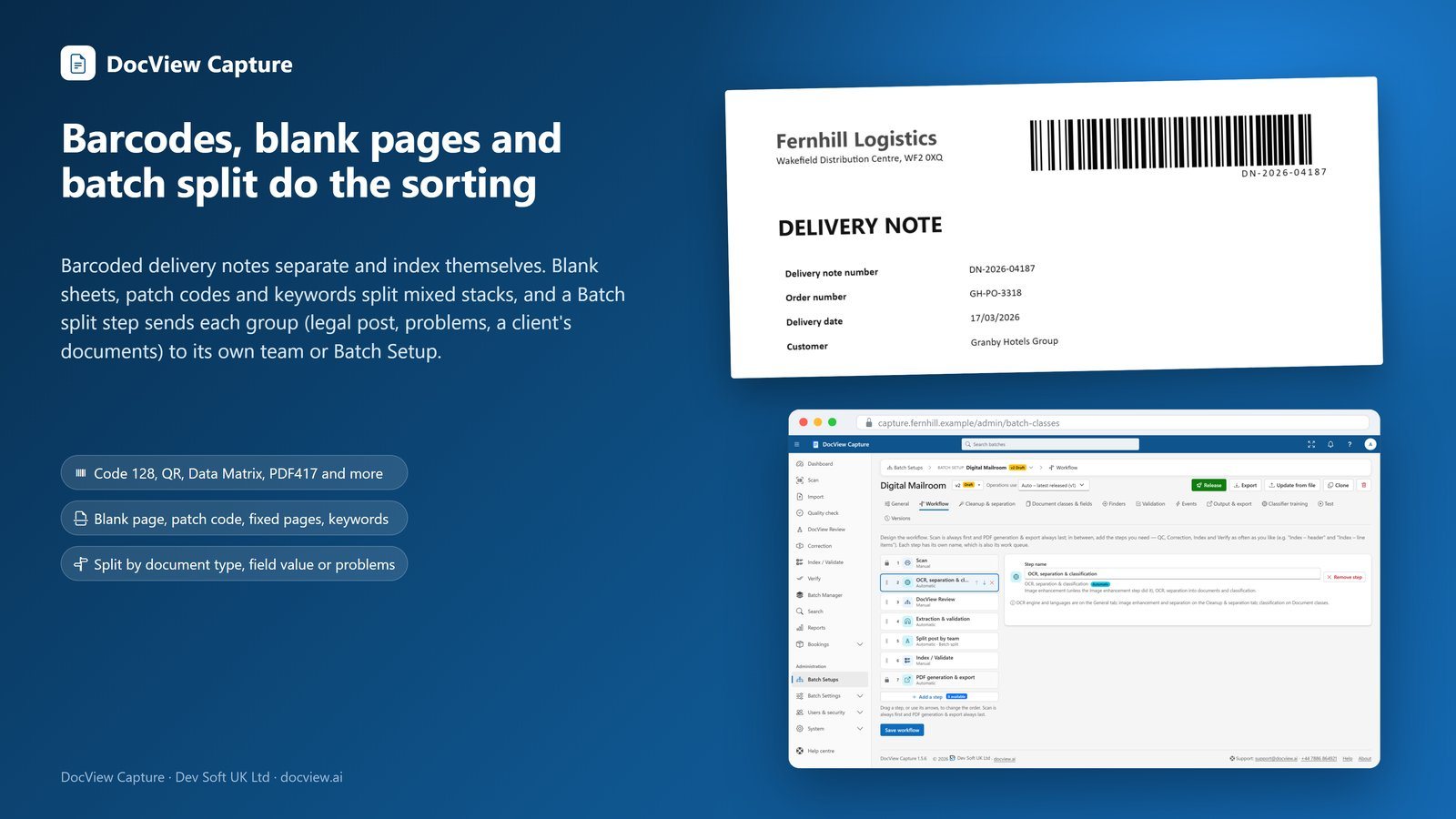
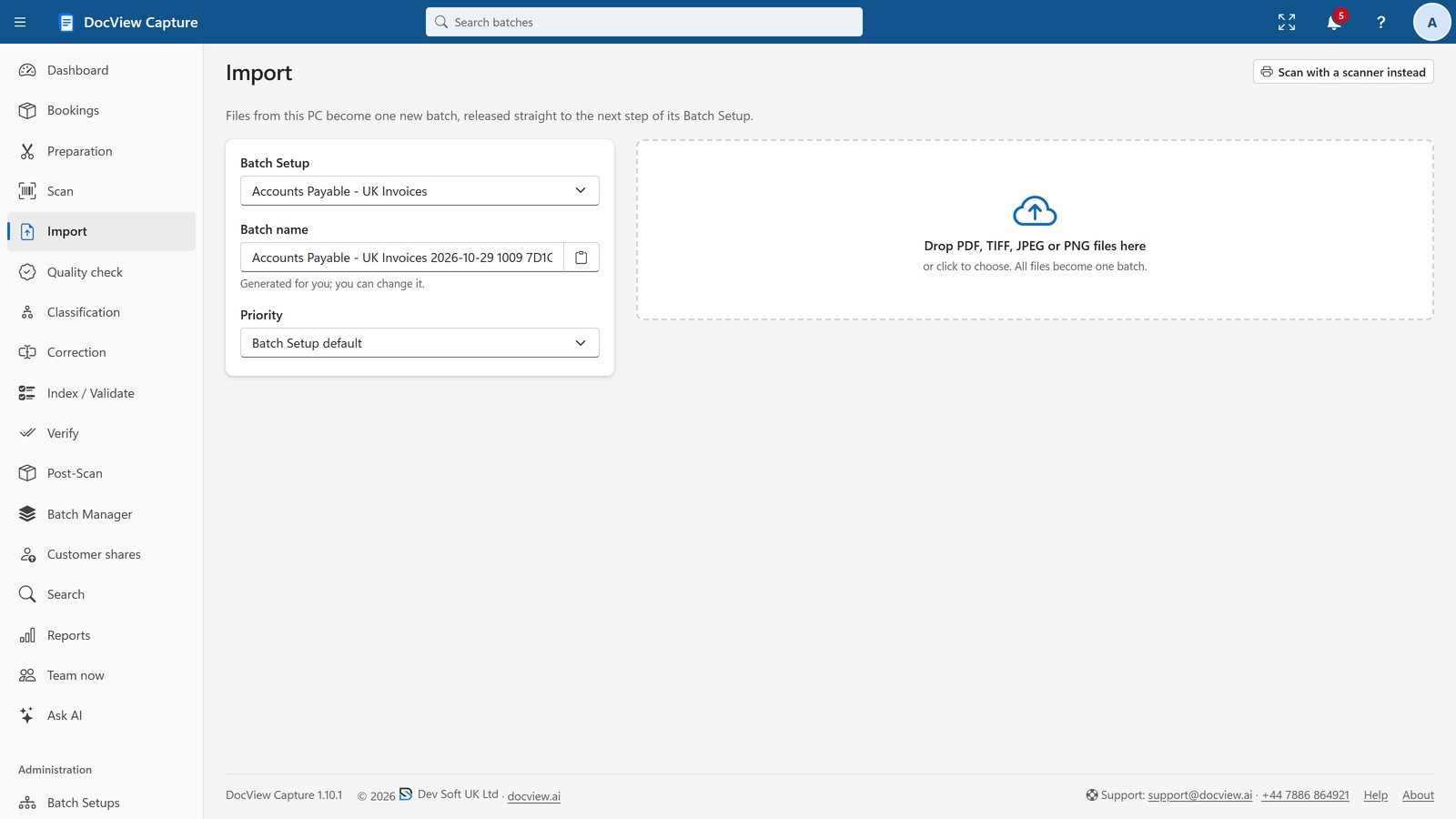
Documents arrive from scanners on Windows PCs, watched folders, e-mail mailboxes (including Microsoft 365), SFTP, FTP, cloud storage and a REST API. Each follows the workflow of its Batch Setup, and results go out by REST or webhook, SQL insert, SFTP, a shared folder or e-mail.
Batch split can send exceptions, such as an unreadable reference, to a person while clean deliveries go straight through.
See every batch, and show customers where theirs is
Dashboard and Batch Manager
See throughput, work waiting in each step and batches by state. Change priority, reroute or suspend a batch when a run is urgent.
Customer tracking links
Where you handle the goods-in and scanning of boxes for others, give customers a link, with optional PIN and expiry, showing the progress of their boxes.
Logistics questions
Can DocView separate a stack of delivery notes automatically?
Yes. Barcodes, patch code sheets, blank pages, fixed page counts, keywords and page size can all start a new document, and rules can be combined and tested on a sample batch.
Which transport documents have a ready-made setup?
Delivery notes and proof of delivery, US bills of lading, CMR consignment notes and UK and EU customs declarations.
Can it check customs reference numbers?
The templates include EORI and MRN formats, and you can add pattern, length and check-digit validators for your own references.
Does a depot need a server of its own?
No. Depot staff need only a Windows PC with a TWAIN or WIA scanner and a browser. The server can be in one place, on your own servers or hosted for you by Dev Soft UK.
Get proof of delivery into the system the same day
Try the live demo, or send us sample delivery notes and CMRs and we will show you the result.