
Export destinationsSearchable PDFs and clean data, delivered where you need them
Ready-made destinations for folders, databases, cloud drives, document management and business systems, set up with your own accounts and a Test button.
Ready-made destinations
Core
Folder or network share, SFTP, SQL database, REST and webhooks, DocView storage, e-mail (SMTP) and C# export scripts.
Cloud drives and storage
SharePoint and Microsoft Teams, OneDrive for Business, Google Drive, Dropbox, Box, ShareFile, Amazon S3 and S3-compatible storage, Azure Blob Storage, FTP/FTPS and WebDAV.
Document management
CMIS 1.1 repositories, for example IBM FileNet P8, Alfresco, OpenText Documentum, Nuxeo and SAP Document Management, plus M-Files and DocuWare.
Business systems
SAP S/4HANA, SAP Business One, Microsoft Dynamics 365 Business Central, Microsoft Dynamics 365 and Dataverse, Salesforce, Xero, QuickBooks Online, ServiceNow and any OData v2 or v4 service.
Connect automation platforms such as Power Automate, Zapier and Make, or your own API, through REST and webhooks.
The files your systems expect
| Images | PDF, searchable PDF, PDF/A, single-page TIFF, multi-page TIFF (CCITT G4, LZW, JPEG) |
|---|---|
| Data | XML (validated against your XSD), CSV, JSON and designed data files |
| Names | File and folder names from batch, document, field and system values |
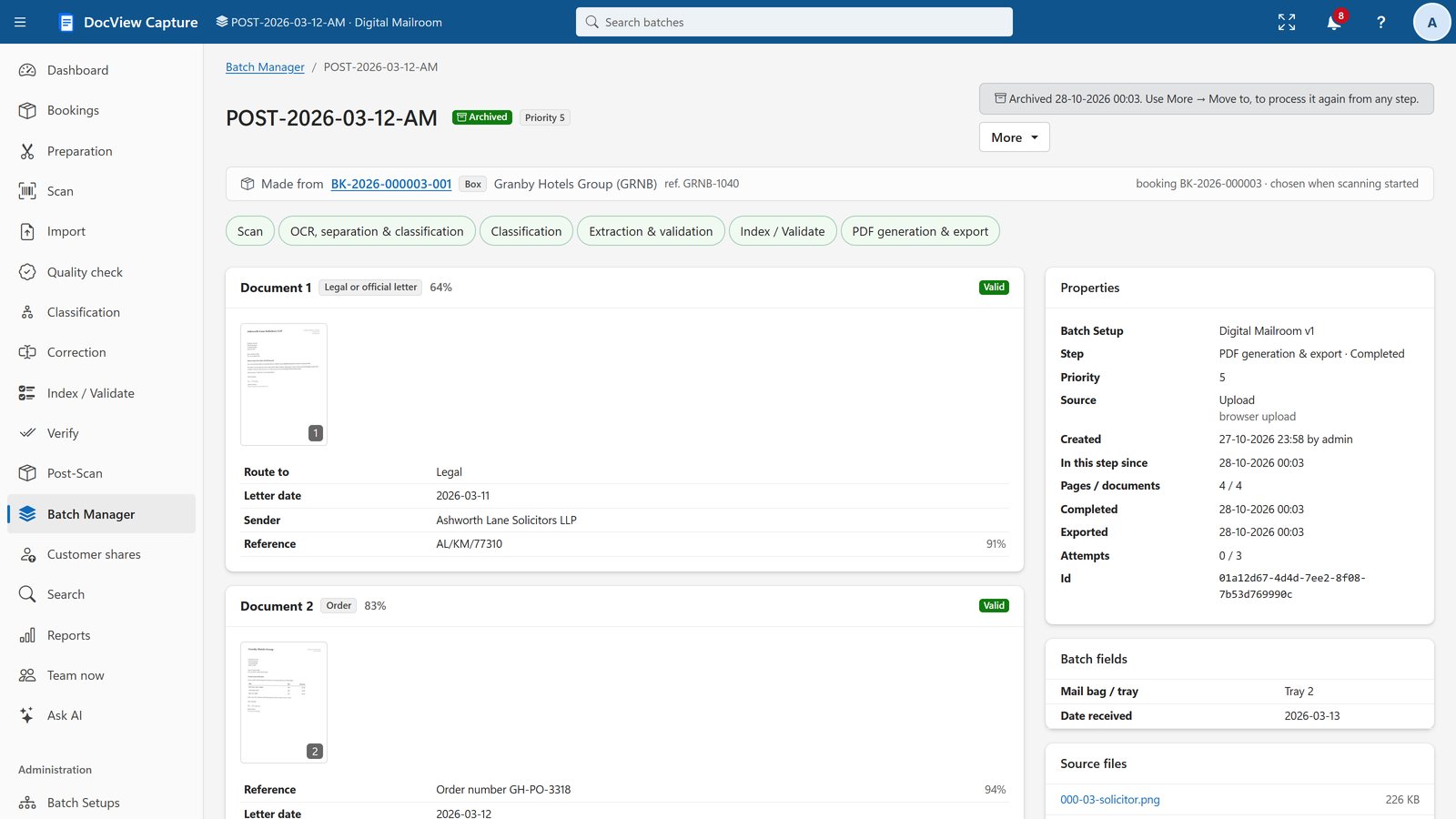
Nothing partial left behind
Export is transactional at each destination. If one fails, you retry it, and only destinations that have not succeeded are sent again. Each batch can go to several destinations.
- Preview names against a sample batch
- Keep or delete images after export
- Scheduled tasks for work after export, such as zipping and e-mailing the day's documents
Export questions
Where can DocView send the results?
Folders, SFTP, SQL databases, REST web services and webhooks, e-mail, SharePoint and other cloud drives, document management systems and business systems such as ERP, accounting and CRM, with several destinations per Batch Setup.
What happens if an export fails?
Nothing partial is left behind at that destination. You can retry, and only the destinations that have not succeeded yet are sent again.
Can I scan to SharePoint with OCR?
Yes. Scan or import into DocView Capture, produce a searchable PDF and send it with its data to a SharePoint destination, set up with your own account.
What if my system is not listed?
Use REST and webhooks, a database insert, a folder or SFTP drop, or a C# export script. Contact us and we will talk through your system.
Vendor names are trademarks of their respective owners. These are ready-made destination types that you configure with your own accounts. They do not imply partnership or certification.
Tell us where your documents need to go
We will talk through your systems and how DocView Capture would fit.