
Document capture software for real estateFind any lease, contract or report by any word on any page
Agents, landlords and property managers hold years of paper. DocView Capture turns it into searchable PDF/A with the key details indexed, so the right document is one search away.
One property, a dozen kinds of paper
A single let or sale produces tenancy agreements, ID and proof of address, inspection reports, gas and electrical certificates, contractor invoices and a trail of letters. Files sit in cabinets at branches, or as unnamed scans in shared folders, and a question from a tenant or a solicitor means a hunt through several of them.
Property-centred files
Give every scanned document the property, tenant or contract reference as an index field, then search by it later.
From first enquiry to final invoice
Create a Batch Setup for your own property document types, and use the existing setups for utility bills and for KYC and onboarding documents (UK and Europe) and supplier invoices where they fit. Contracts are archived as PDF/A.
Index once, find in seconds
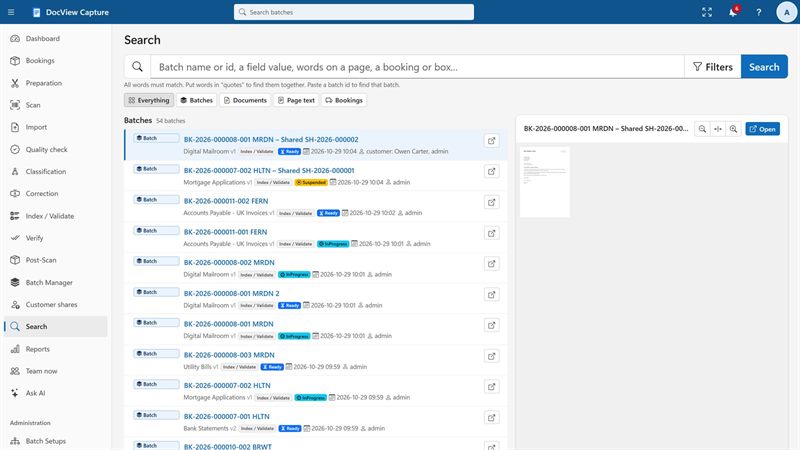
- One search over batches, documents, field values and the full text of every page
- Highlighted hits, and a page preview that marks the words found
- Classification rules and a trained classifier work out which kind of document each page belongs to
- Pattern and label finders pick up dates, amounts and references, such as a lease end date or a certificate expiry date
Know what has been scanned and what is waiting
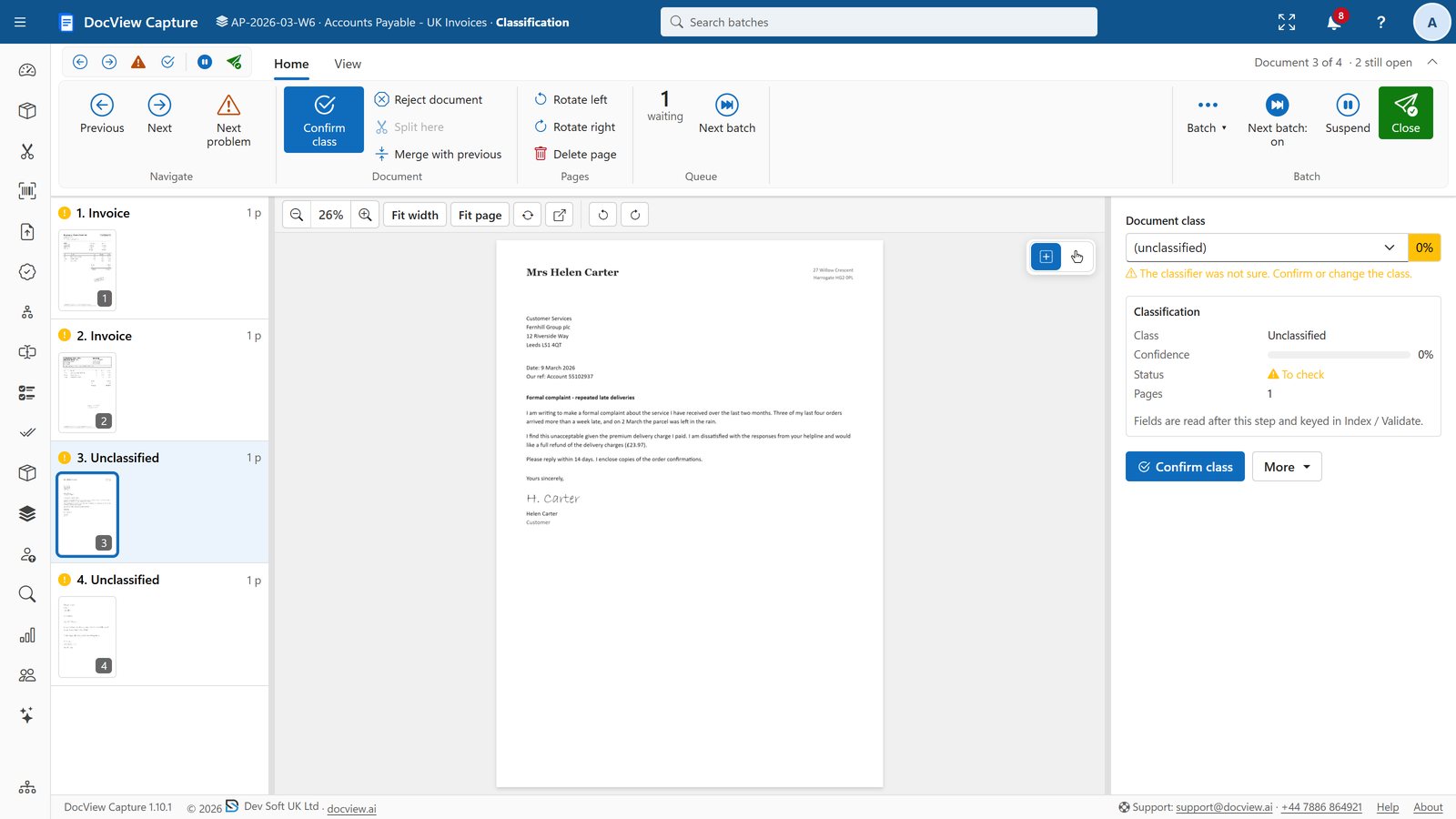
There are 37 ready-made reports covering volumes, turnaround, queue ageing, quality and more, plus a custom report builder with filters, grouping and charts. Reports download as Excel, CSV and PDF, or can be e-mailed daily, weekly or monthly.
Get approval or missing pages from clients, and store files where you work
Secure links, no account needed
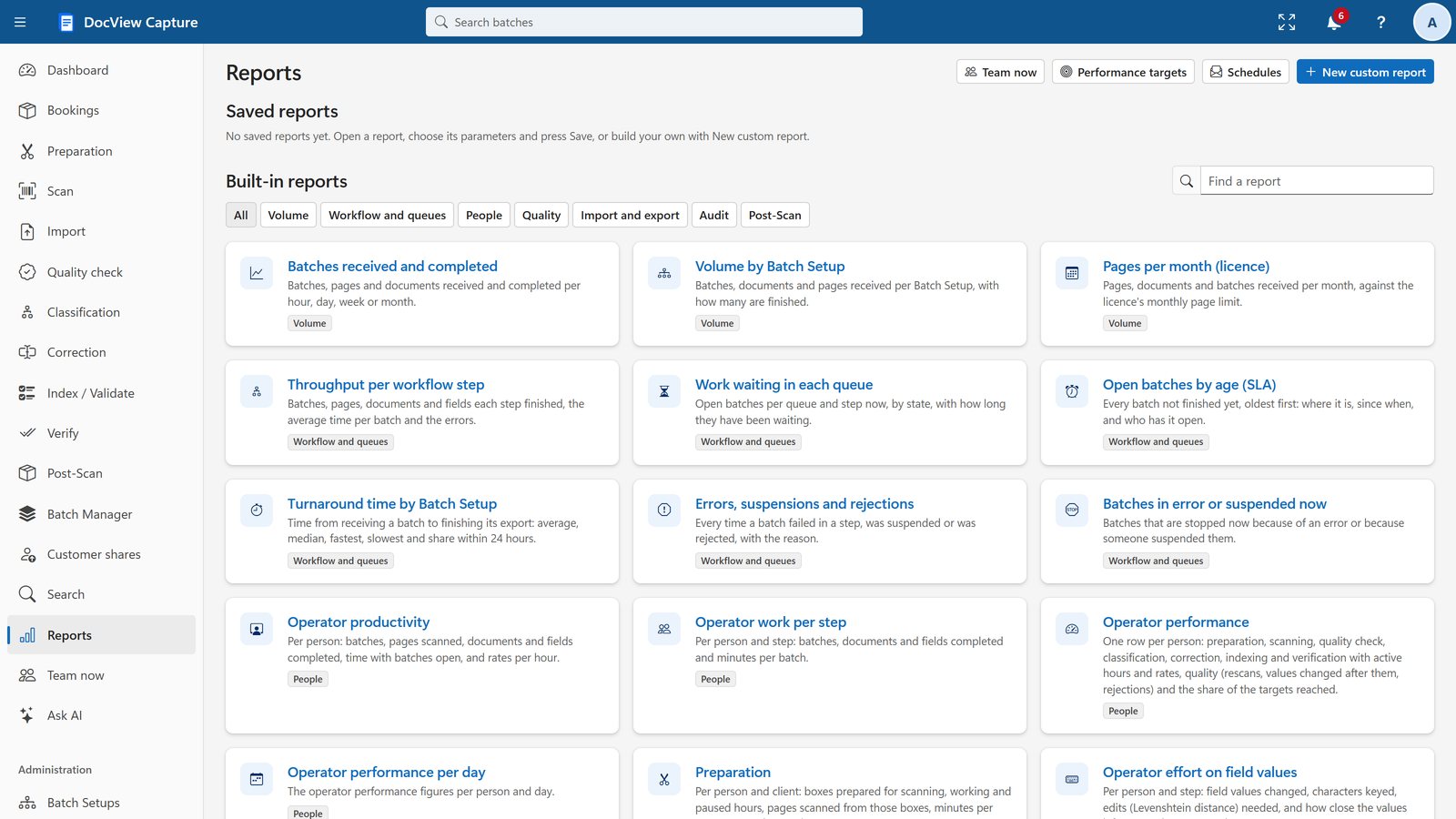
Send chosen documents to a tenant, landlord or buyer with a link and a separate PIN. They fill in fields, approve, reject or upload replacement pages, and the work returns for checking. Sharing is off until you switch it on for a step.
Export to your document stores
Ready-made destinations include SharePoint and Teams, OneDrive for Business, Google Drive, Dropbox, Box, WebDAV and folders or network shares.
Real estate questions
Can it handle lettings or sales files?
Yes. You can create a Batch Setup for your own document types and fields, and the Batch Setup assistant can propose one from a description or sample documents for you to review.
Can DocView find a word inside a scanned contract?
Yes. Search covers the text of every page, including exported and archived batches, and shows the words marked on a page preview.
Which output formats are available?
Searchable PDF, PDF/A, single and multi-page TIFF, plus XML, CSV and JSON data files.
Where can the files be stored?
In a folder or network share, on SFTP, in SharePoint, OneDrive, Google Drive, Dropbox, Box or WebDAV, or through any REST service. You can use several destinations at once.
Turn your cabinets into a searchable archive
Try the free 14-day demo, or talk to us about back-scanning and the 30-day installed evaluation.