
Mortgage document processingA complete, checked case file before the underwriter opens it
Mortgage document processing with DocView takes the whole application pack, from the application form to payslips, bank statements, ID and the valuation, splits it into documents, reads the figures and shows what is still missing. Dev Soft UK designs and builds this solution for you with DocView Capture, DocView Web and DocView OmniRead.
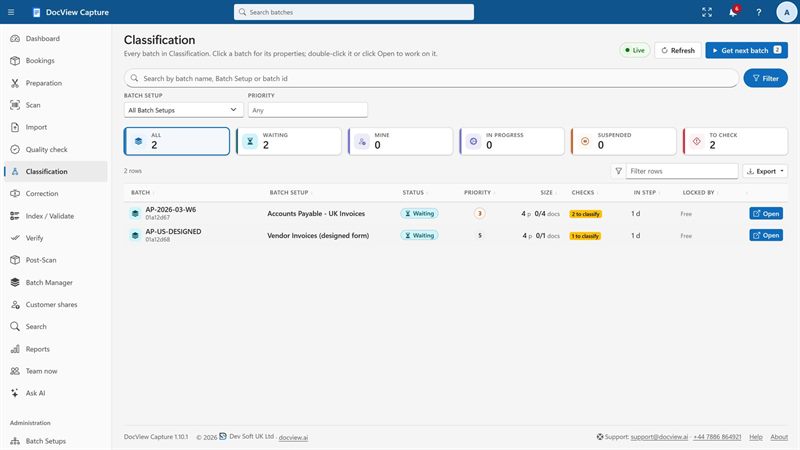
One case, twenty documents, and one of them is always missing
A broker uploads a single PDF, or a branch scans a stack of paper. Inside are three months of payslips, a P60, several statements, a passport, a utility bill, the signed application and later a valuation report. Case handlers page through it, rename each file, retype income figures and send the same "we still need" e-mail several times. The case waits, and the applicant waits with it.
The pack is the unit of work
A payslip on its own proves little. What matters is whether the whole pack is there, recent enough and consistent from one document to the next.
From mixed pack to underwriting-ready case
Receive the pack
From a broker upload, a case mailbox, a watched folder or a branch scanner.
Split it
One file or one stack becomes separate documents, a new one wherever the type changes.
Name each document
Application form, payslip, P60, bank statement, ID, proof of address or valuation.
Read the figures
Pay, deductions, statement totals, names, addresses, dates and the property details.
Check the case
Missing, out-of-date and inconsistent items are listed, with the reason for each.
Hand it over
A complete case goes to the underwriter, with data and indexed PDFs.
Included in DocView
These are documented features of DocView Capture and DocView Web. We set them up for the packs you receive.
- A UK mortgage application pack setup in the template gallery, as a starting point
- Ready-made setups for UK payroll documents (payslips, P60, P11D), bank statements and KYC, to reuse inside the pack
- Separation by file, barcode, patch code, keyword or a change of document type, plus manual split and merge
- Classification by rules, a classifier trained on your samples, or both, with uncertain documents sent for review
- Table finders for statement lines over several pages, with sum checks
- NI number and sort code format checks, IBAN check digits, and rules that compare fields
- Double-key verification, four-eyes rules and an audit trail of every field change
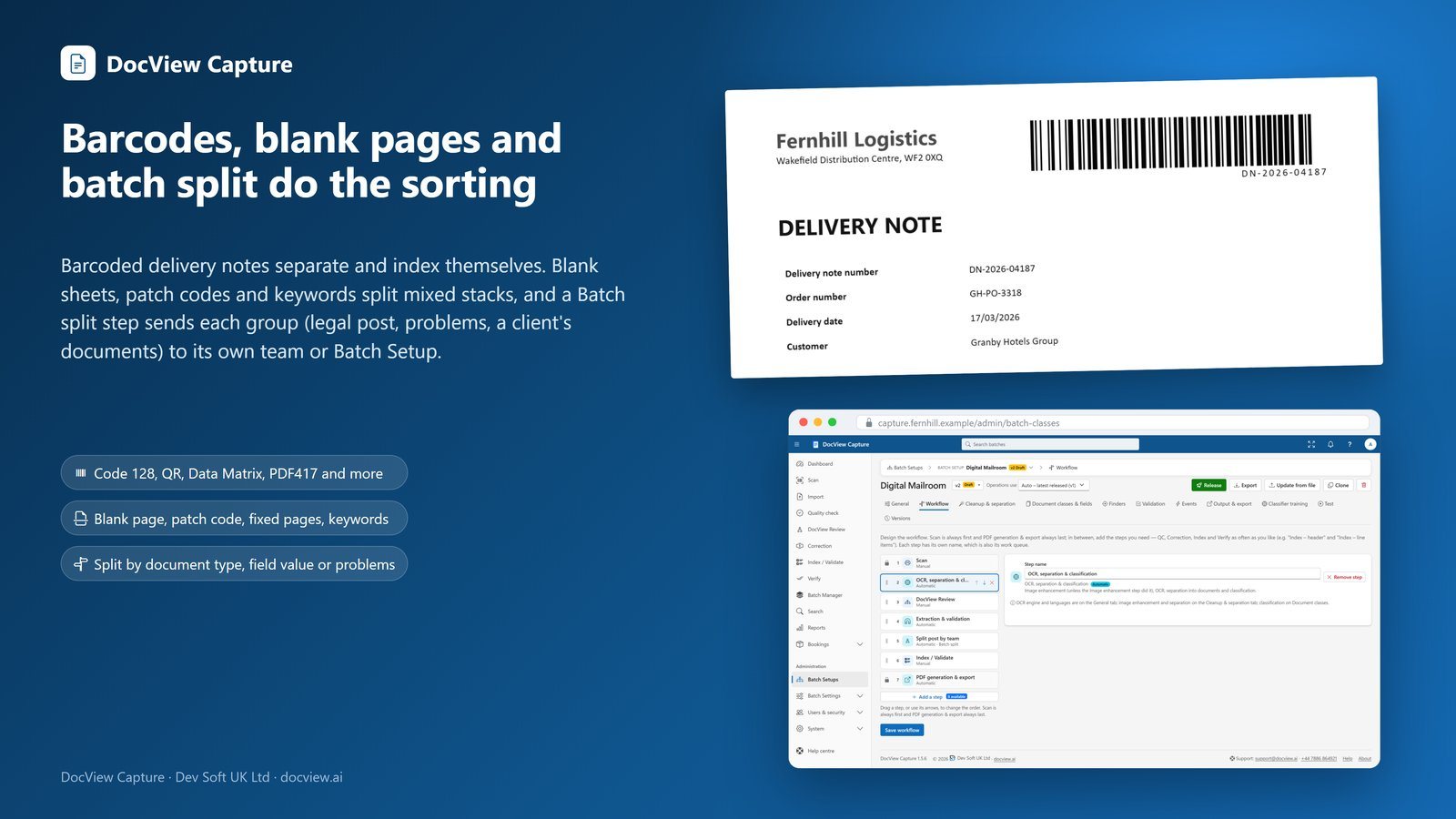
Ask the applicant for the missing page
An operator can share chosen documents with the applicant or broker through a secure link and a PIN. They can upload a newer payslip or answer a question on their phone, with no account. Reminders and escalation to named staff are built in, and the answer returns to the same step for checking.
In DocView Web, document cases keep every document for one application together, with controlled access for outside parties.
What we configure or build for you
Every lender and broker asks for a different set of evidence. We turn your criteria into checklists and checks.
Checklists by case type
We set the documents each case needs, such as employed, self-employed, remortgage or buy-to-let, and hold the case until each item is present.
Recency rules
We configure date checks so payslips, statements and proof of address fall within the period your policy sets. Anything older is flagged with the reason.
Consistency across documents
We compare the applicant's name, address and employer across the form, ID, payslips and statements, and send differences to a case handler.
Income figures for underwriters
We read gross and net pay from payslips and the P60, and can compare them with salary credits on the statements. The figures support your underwriters; they do not decide.
Valuation reports
We set up the property address, valuation date, figure and surveyor details as fields, and check the address against the application.
Your case system
We can connect DocView to systems such as your mortgage origination or broker case platform, through REST, SQL or files it imports.
Teams that package and check mortgage cases
For all lending documents in one place, see banking and lending. For statements on their own, see bank statement processing, and for identity checks, KYC and AML onboarding.
Mortgage document processing questions
Is this an off-the-shelf product?
No. It is DocView Capture, DocView Web and DocView OmniRead, configured by Dev Soft UK for your cases and, where needed, extended with work we build for your process. The mortgage pack, payroll and statement setups exist today; your checklists, recency rules and connections are set up for you as a project.
Does DocView decide whether to lend?
No. DocView sorts and reads the documents and applies the checks you agree. Affordability, credit and lending decisions stay with your underwriters and your policy.
Can it handle a pack sent as one large PDF?
Yes. A multi-page file is split into pages and then into documents by separation rules, including a split wherever the document type changes. Operators can split or merge by hand when needed.
How do we chase missing documents?
The case checklist we configure lists what is missing. An operator shares a request with the applicant or broker through a secure link and PIN, with reminders, and the upload comes back to the same case.
Where are applicants' documents processed?
Hosted by us on Azure, AWS, Google Cloud or another provider of your choice, or on your own servers or cloud. Recognition runs on DocView OmniRead unless you switch on a cloud provider with your own key. It is designed to help you meet your data protection obligations.
Send us a sample mortgage pack
Use fictional or anonymised documents and we will show you the case split, read and checked, or start a free 14-day demo.