
Sales order processingCustomer purchase orders in, sales orders in your ERP out
Sales order processing with DocView reads the purchase orders your customers send by e-mail, PDF, fax or post, matches the customer and every line to your own records, and delivers a checked order to your ERP. Dev Soft UK designs and builds this solution for you with DocView Capture, DocView Web and DocView OmniRead.
Every customer orders in their own format
One customer sends a PDF from their purchasing system, another a scanned form, a third still uses the fax. Each uses their own part numbers and their own idea of where the delivery address goes. Your order desk retypes it all, and a wrong code or a missed line becomes a wrong delivery, a credit note and an unhappy customer.
Collect
Orders are picked up from the orders mailbox, a watched folder, an upload or the post room scanner.
Read
Customer, their PO number, dates, delivery address and every order line with code, quantity and price.
Match
The customer and each product are found in your own records, despite spelling and OCR differences.
Check
Lines, totals and prices are tested, and only orders with a problem wait for the order desk.
Deliver
The sales order goes to your ERP with the original PDF kept beside it.
Included in DocView
These are documented features of DocView Capture. We set them up for the orders your customers send.
- A ready-made purchase orders setup in the template gallery, as a starting point
- Import from Microsoft 365, IMAP and POP3 mailboxes, watched folders, SFTP, upload and the REST API
- Image clean-up profiles that include faxes, plus deskew, rotate and despeckle
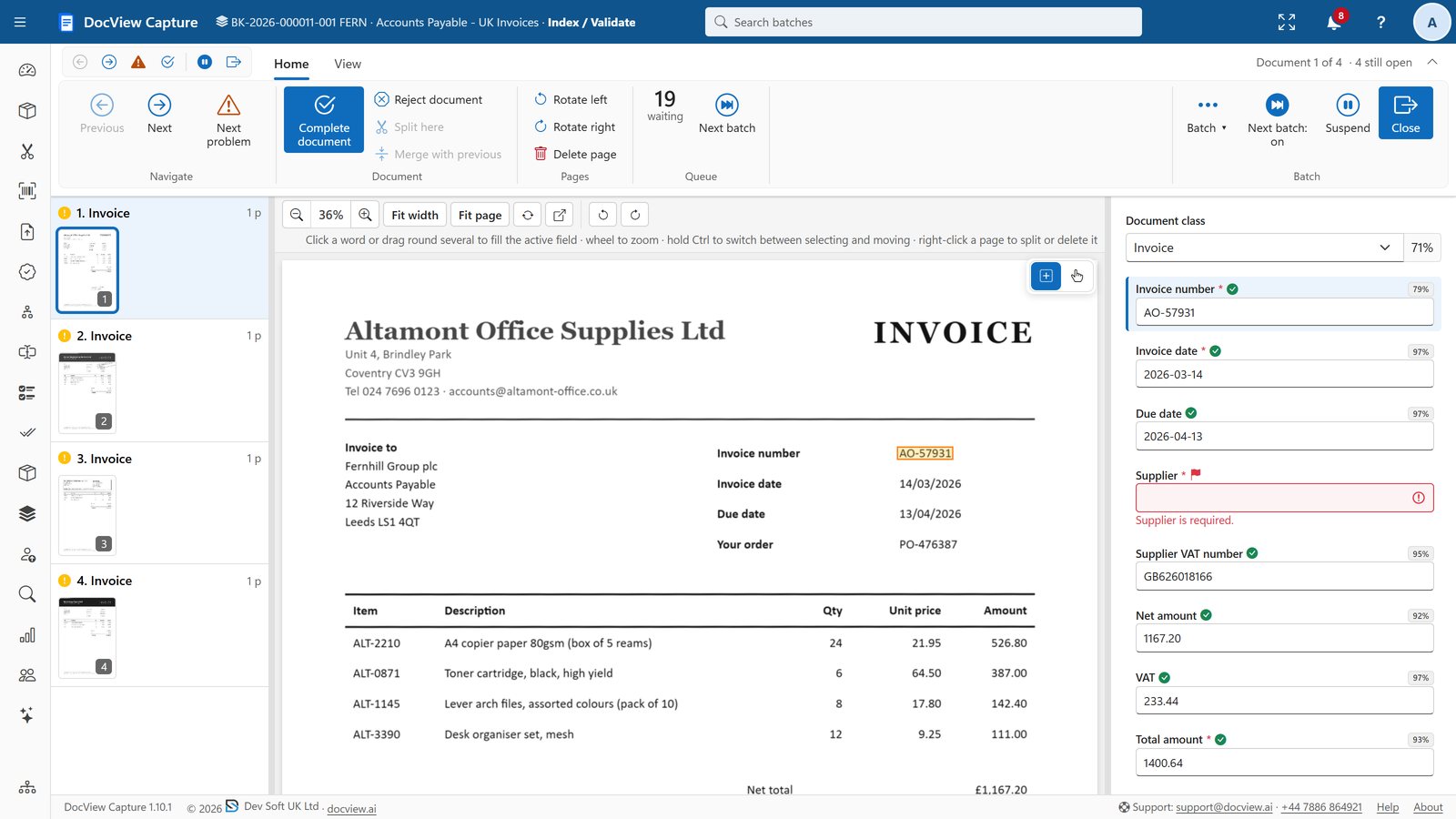
- Label and value finders, and table finders for order lines over several pages
- Fuzzy database lookup against your customer and product lists, for checking and auto-fill
- Row and sum checks, comparisons between fields, and calculated fields
- Index and Validate with a line-item grid, each cell marked on the page
Straight into your ERP
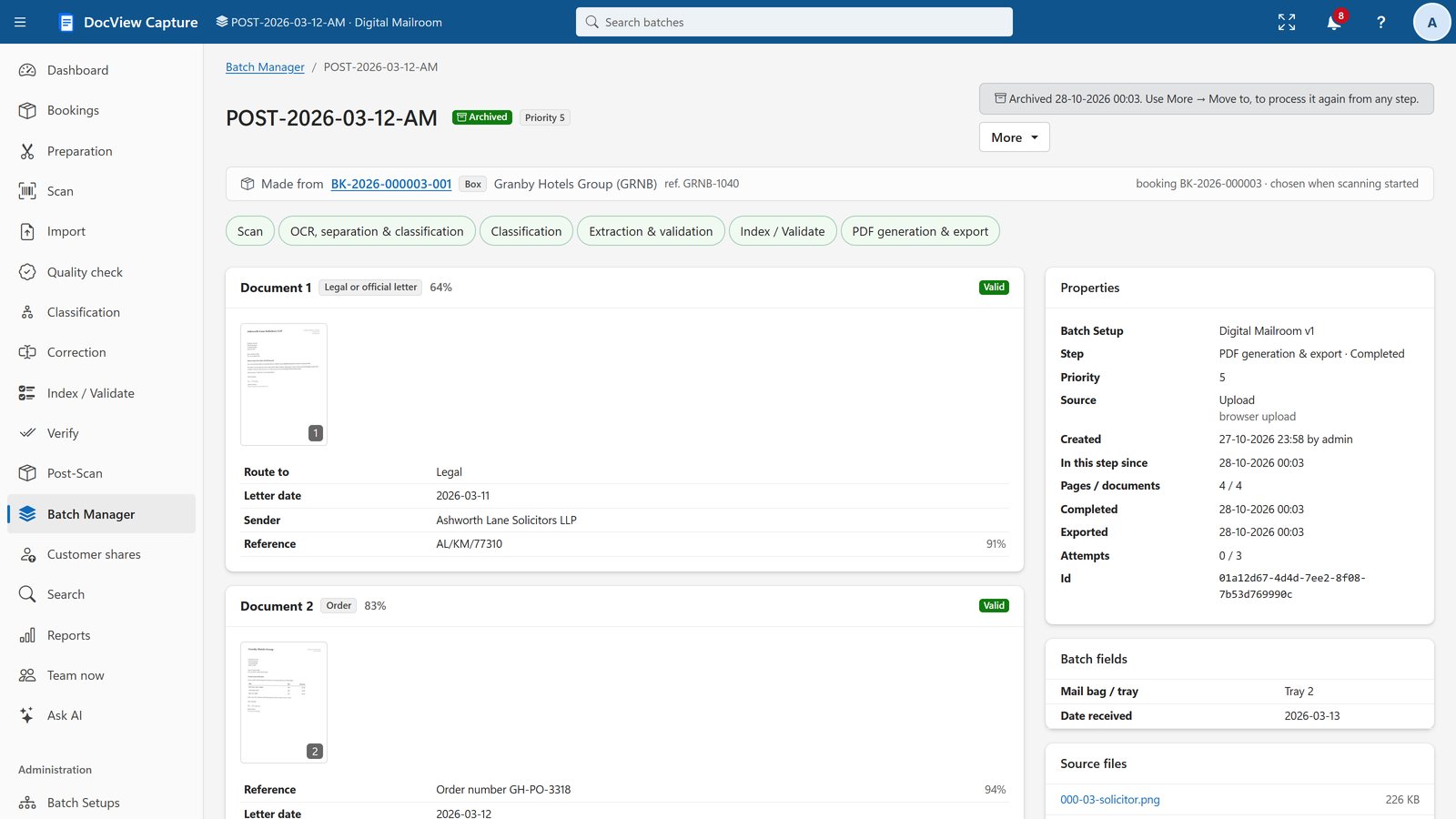
DocView Capture has ready-made export destinations for SAP S/4HANA, SAP Business One, Microsoft Dynamics 365 Business Central, Xero, QuickBooks Online and any OData service, plus SQL, REST and webhooks, SFTP and folders. Each batch can go to several destinations, and a failed one is retried on its own, so no order is half sent.
Straight-through processing skips the manual steps when an order is found, confident and valid.
What we configure or build for you
The hard part of order entry is your own data. We connect DocView to it and write the rules your order desk applies today.
Customer and delivery address
We match the sender to the customer account and pick the right delivery address from those held for that customer.
Customer part numbers
We set up a cross-reference from each customer's codes and descriptions to your own product codes, and build a way to add new pairs as your team confirms them.
Price and quantity checks
We compare each line with your price list or customer agreement and with pack sizes, and send differences beyond your tolerance for review.
Stock and credit checks
We can query your ERP for stock and the customer's credit position before the order is released, and hold orders that fail.
Duplicate orders
We check whether the same customer PO number has already been received, so a re-sent or chased order is not entered twice.
Order acknowledgements
We can send the customer a confirmation e-mail with your order number, or a query when a line cannot be matched.
We can connect DocView to systems such as Sage, NetSuite or your own order management system through REST, SQL or files they import. In DocView Web we can build an approval route for orders above a value you set.
Order desks that still key what customers send
The same installation can capture your supplier invoices. See invoice capture and the manufacturing page.
Sales order processing questions
Is this an off-the-shelf product?
No. It is DocView configured for your orders and, where needed, extended by Dev Soft UK. Reading, lookup, checking and export are part of DocView; your product cross-reference, price rules and ERP connection are set up for you as a project.
Can it read orders from customers who all use different layouts?
Yes. Label and value finders look for the labels rather than fixed positions, and table finders find columns by their headers. We test on samples from your biggest customers, and an unusual layout can have its own settings.
What about orders that arrive by fax or post?
Paper and fax orders are scanned or collected as images, cleaned up with profiles that include fax and then read in the same way as PDFs.
Which ERP systems can it send orders to?
Ready-made destinations cover SAP S/4HANA, SAP Business One, Microsoft Dynamics 365 Business Central, Xero, QuickBooks Online and OData services. Other systems are reached through REST, SQL, SFTP or files they import.
What does it cost?
The DocView Capture software licence starts at $250 a month. Hosting by Dev Soft UK, if you want it, and the work to set up your orders and ERP connection are quoted on your requirements and volumes.
Send us a few customer orders
Tell us which ERP you use and how orders reach you, and we will show you the lines read and matched, or try the 14-day demo first.